
Institutional market intelligence for every client meeting.
Live markets, official statistics and company research for every sector you cover, read through your lens: estate planning, mortgages, insurance, pensions, investments, property and alternative assets. Choose your lens and the whole screen speaks your clients' language.
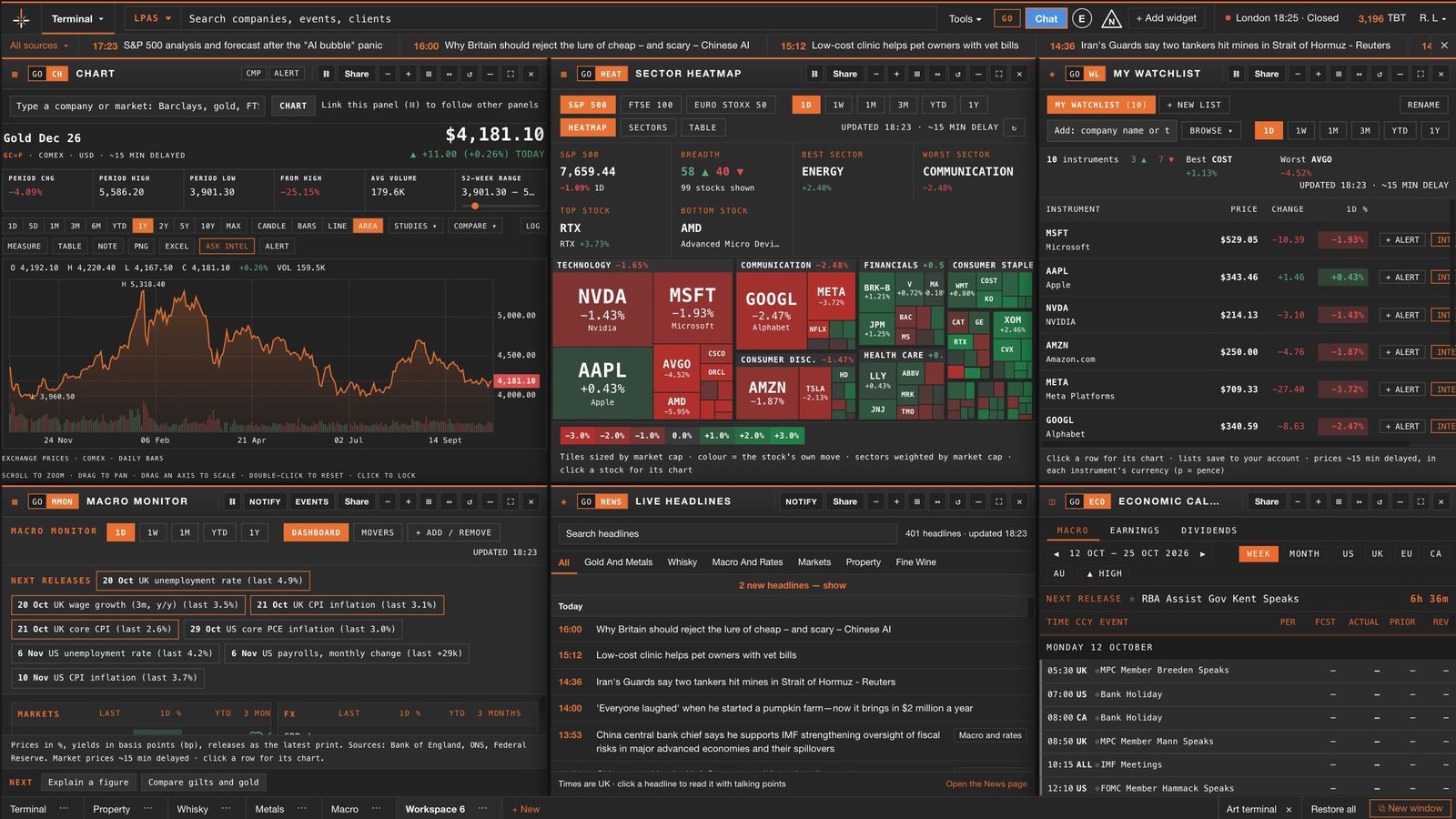
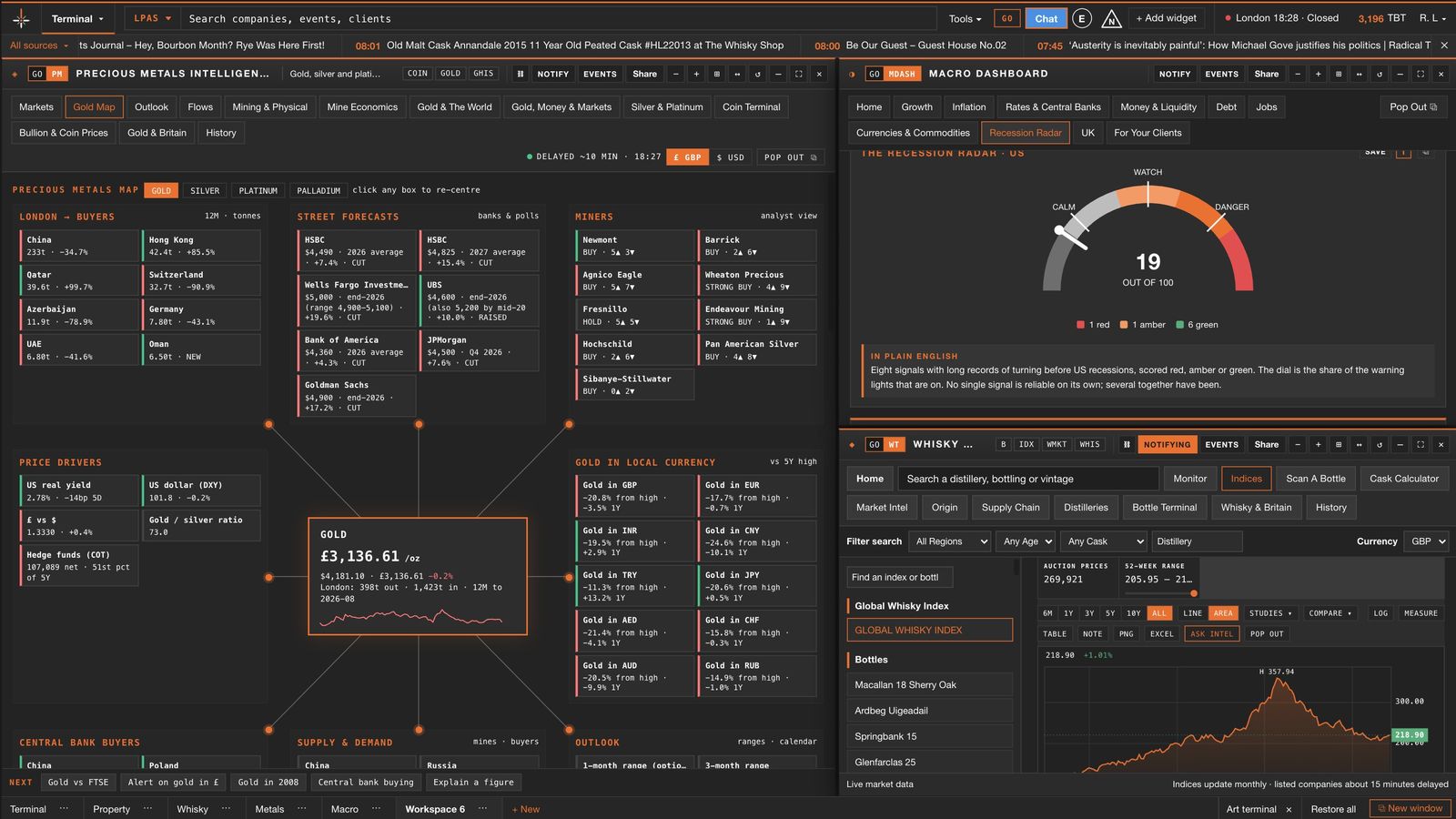
One set of facts, read the right way for your business.
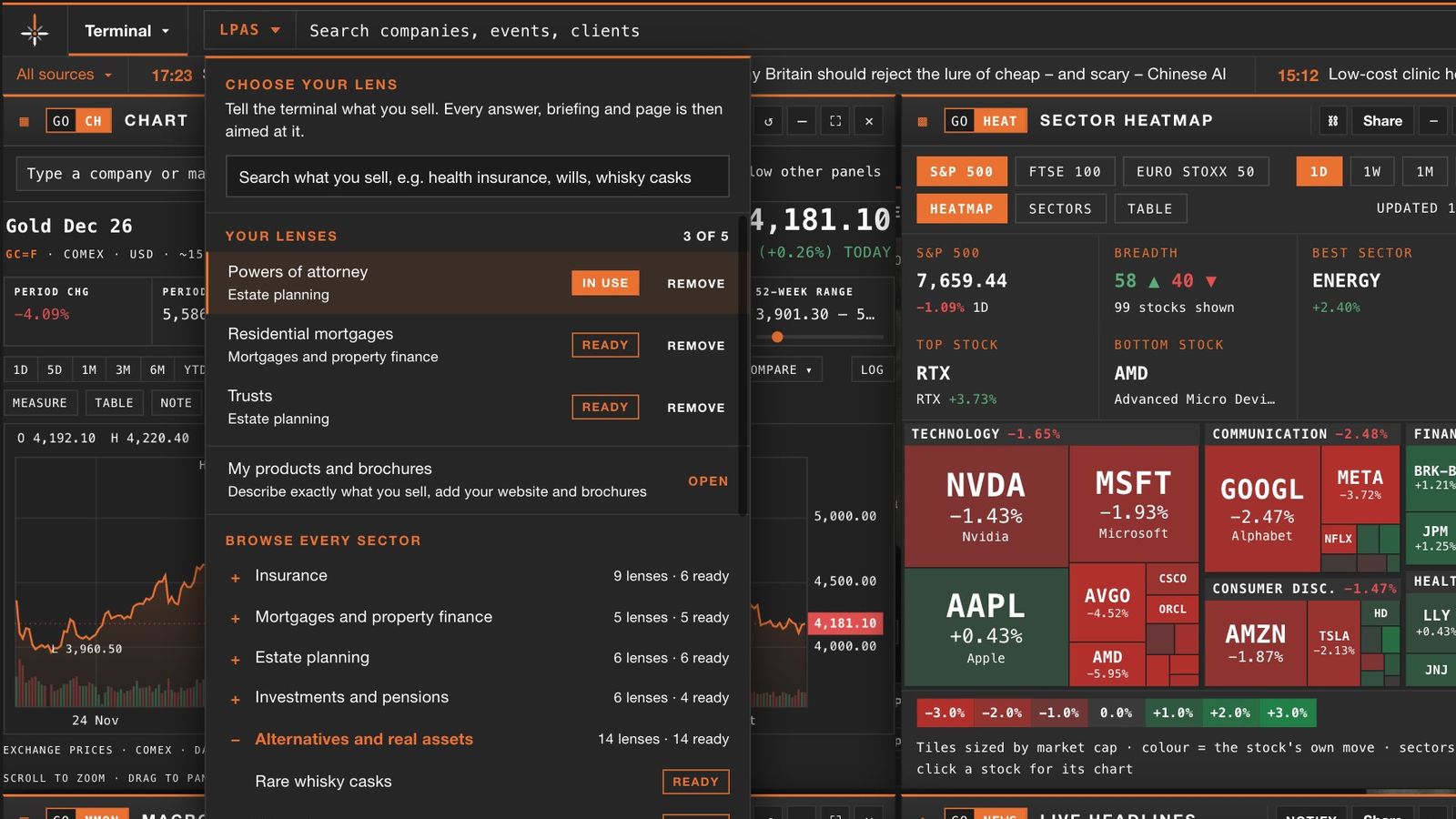
Pick the lens for what you do. Briefings, news, company research and reports are all reworded for it: a will writer and a mortgage broker see the same morning's data, explained for their own clients. Hold more than one lens and switch between them in a click.
Wills, trusts and probate
- Wills
- Trusts
- Powers of attorney
- Probate and estate administration
- Inheritance tax planning
- Funeral plans
Mortgages and property finance
- Residential mortgages
- Buy-to-let
- Commercial mortgages
- Bridging and development
- Equity release and later life
Insurance and protection
- Life and protection
- Health insurance
- Employee benefits
- Business and commercial
- High-net-worth home
- Specialty and Lloyd's
Investments and pensions
- Financial advice
- Pensions and retirement
- Wealth and discretionary management
- Stockbroking and shares
Property sales and lettings
- Commercial property agency
- Overseas property sales
Finance for businesses
- Business finance
- Business energy
- Currency and payments
Real and alternative assets
- Property investment, land and forestry
- EIS, SEIS, VCTs and private equity
- Private debt, loan notes and bonds
- Investment trusts and offshore bonds
- Fine wine, whisky, precious metals and art
Ask for your lens
Tell us what you do from inside the terminal. New lenses are researched, checked by our editors and added to the menu for everyone.
Pick a lens and the whole terminal follows.
Open the lens menu from the top bar, choose what you sell and every briefing, headline and research note is written for your clients. Hold several lenses and switch in one click.
Build the screen you need, panel by panel.
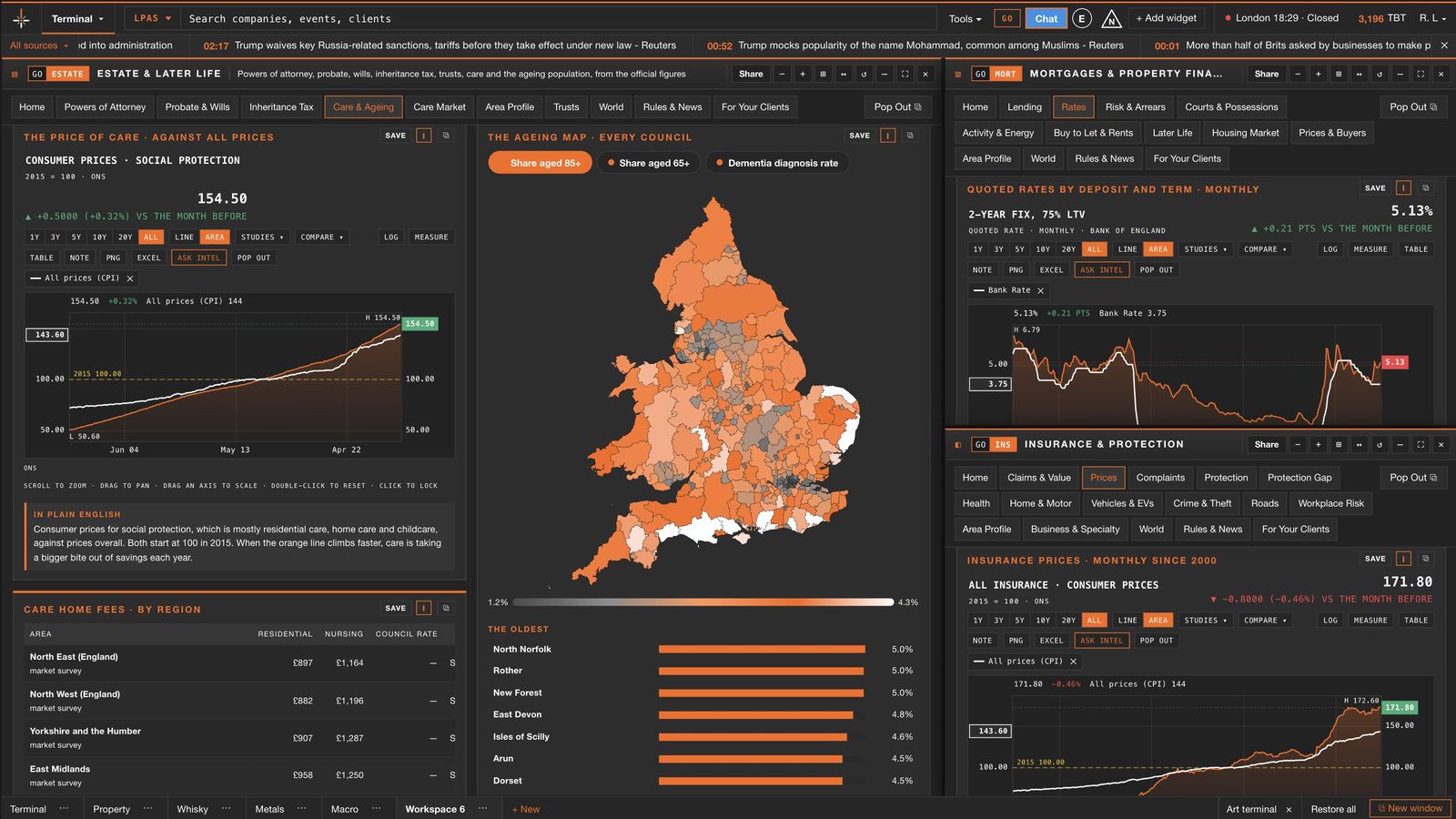
Charts, heatmaps, watchlists, whole terminals, Intel research and your team's desk wall, side by side on one screen. Every panel links, resizes and snaps into place, and the layout is there every morning.
See the whole market, then go as deep as you like.
Every figure opens as a full chart. Hover any line for the detail, click to go further, compare one market with another, and lay maps beside the numbers. Click a picture to see it full size.
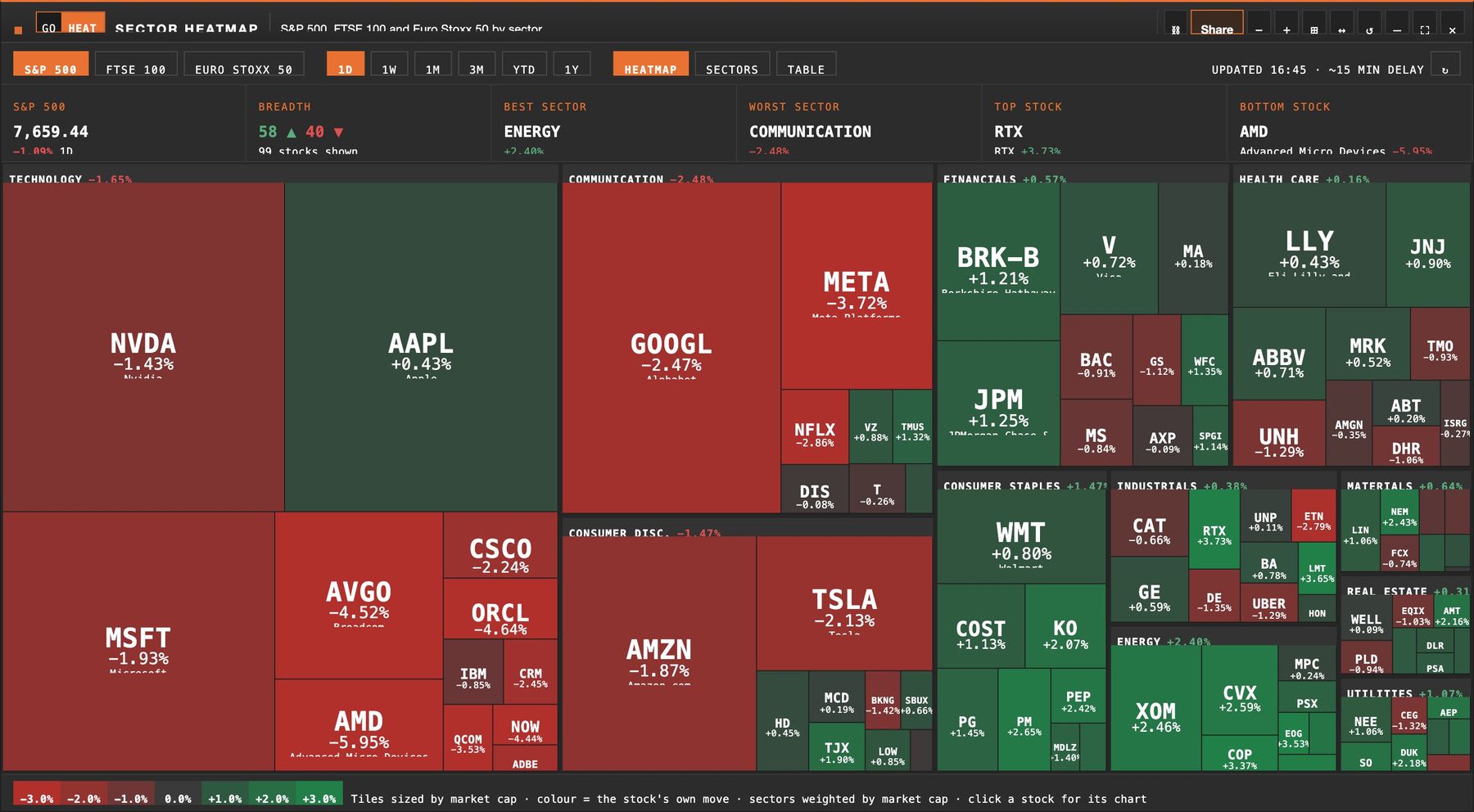
The whole market on one screen
Every major company sized by value and coloured by today's move. Click a box for its chart and research.
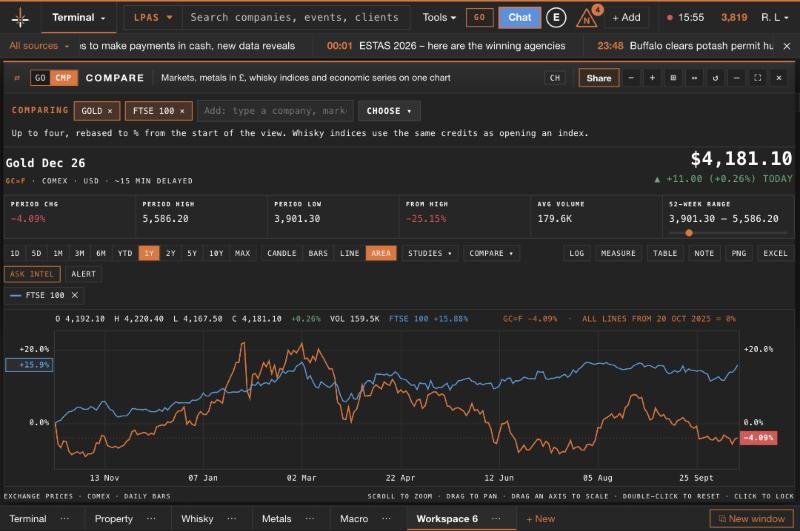
Candles, studies and comparisons
Any price or statistic as a full chart: change the period, add studies, compare two markets on one scale.
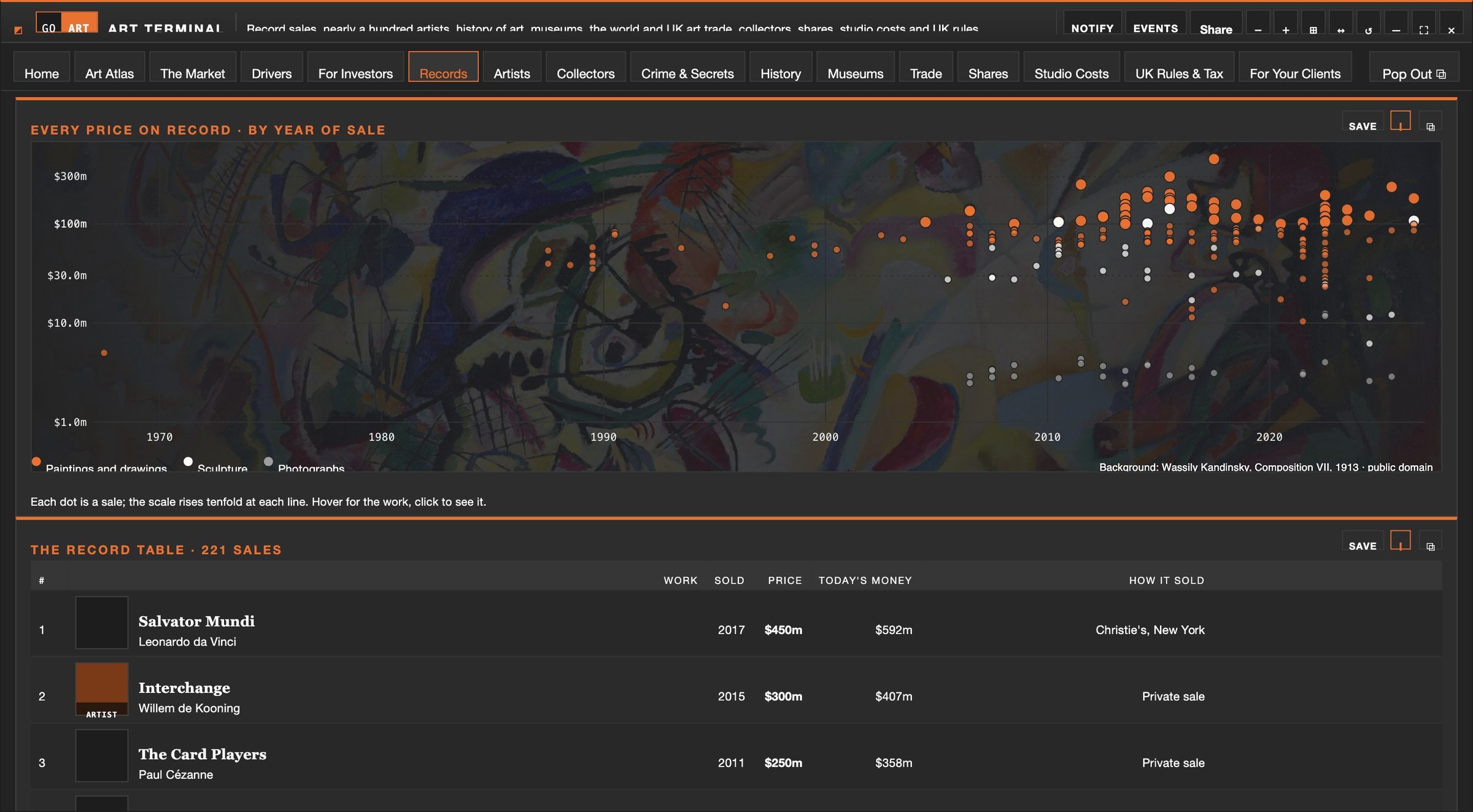
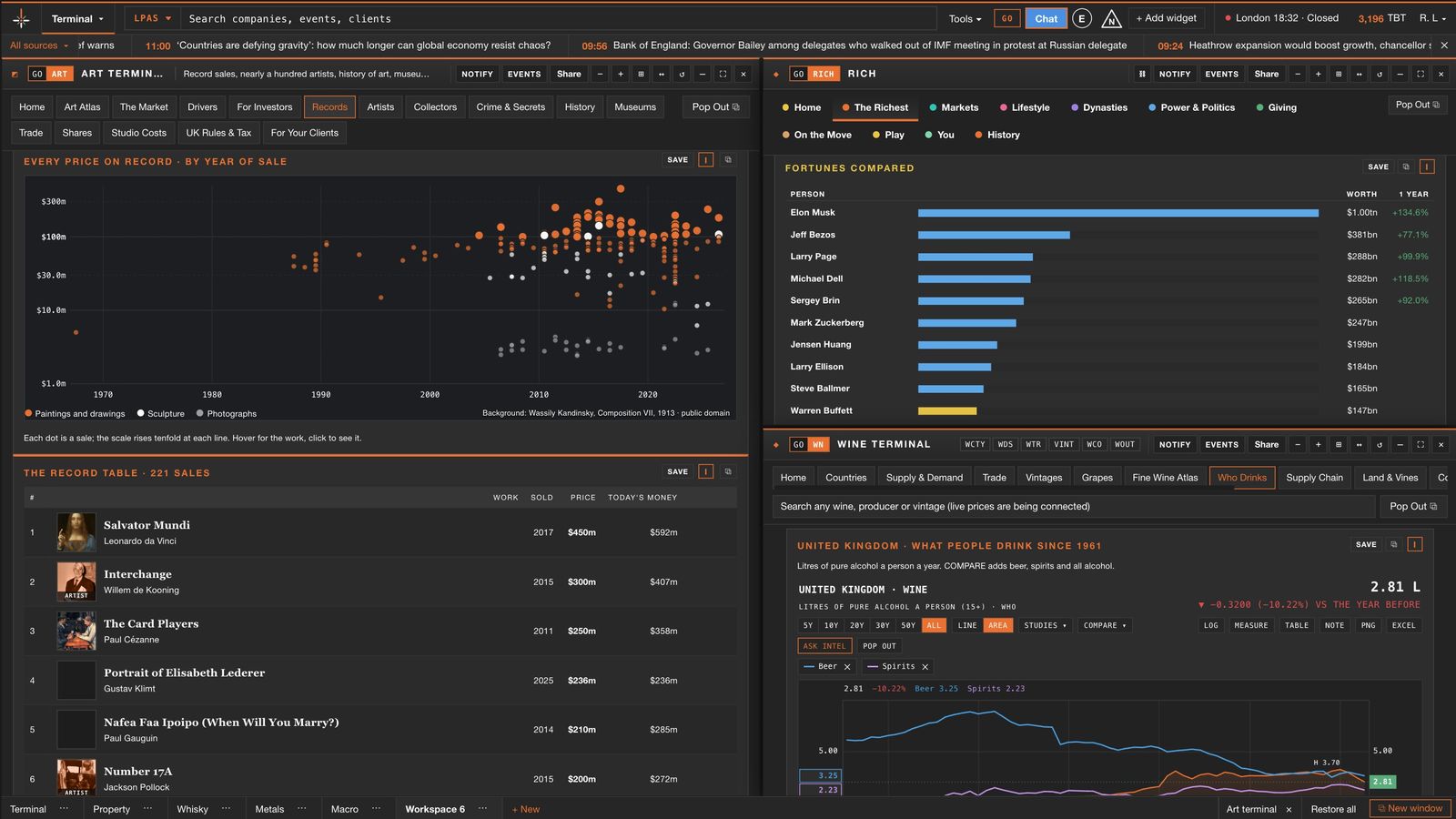
Every record, plotted
Two hundred record sales by year, hover for the work and the price in today's money, click for the full story.
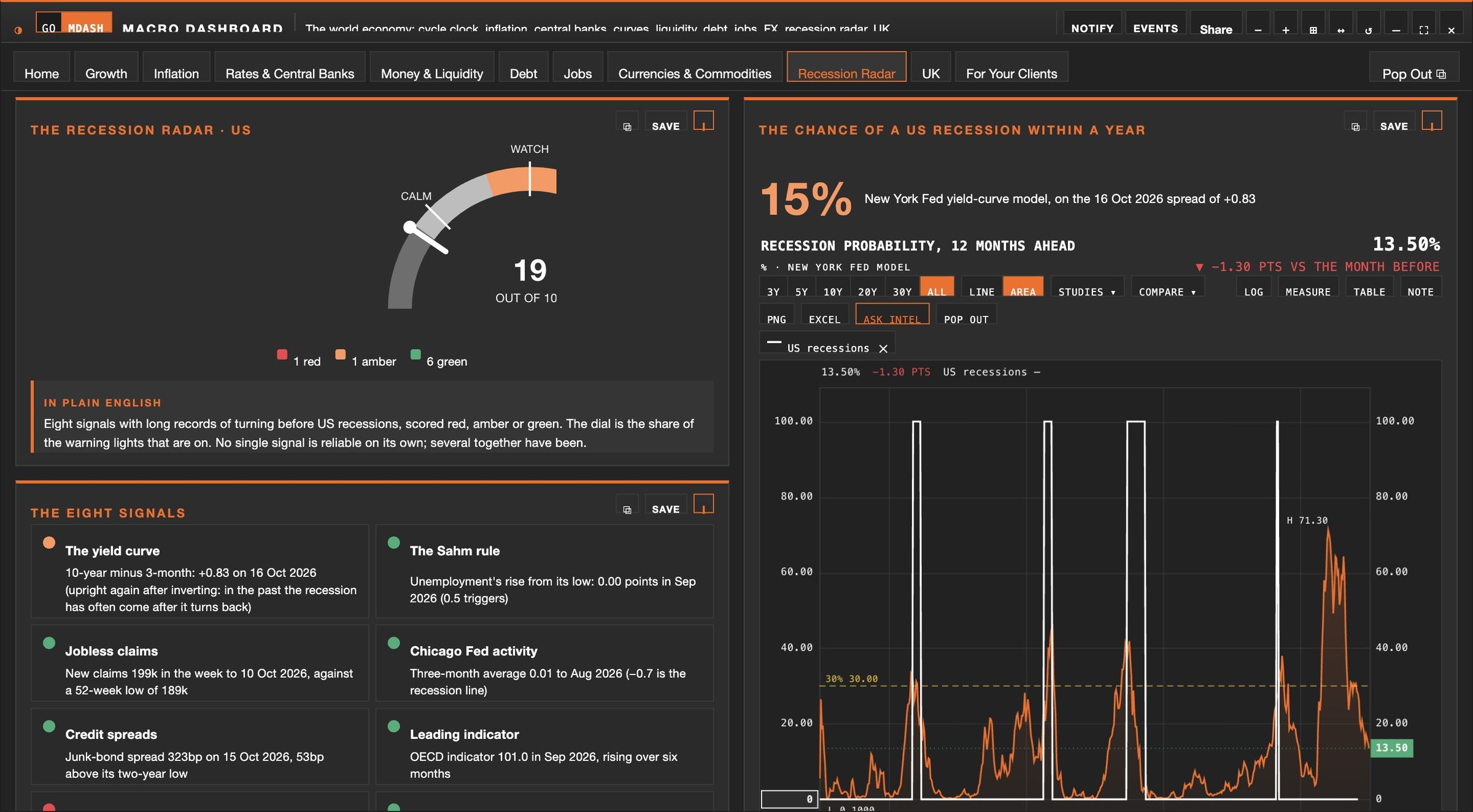
Today against history
Eight long-record signals scored on one dial, beside the chart of how often they have been right before.
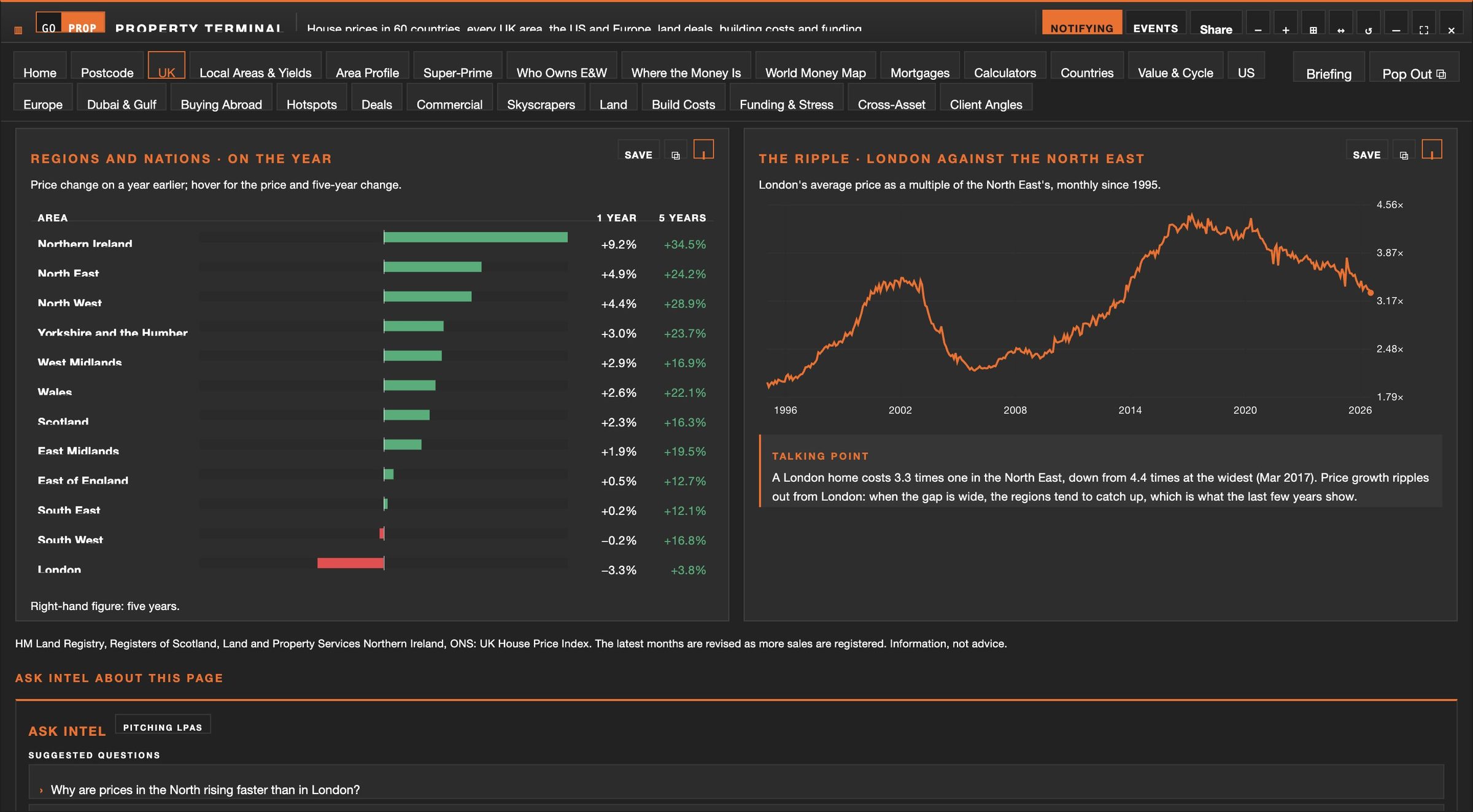
Every region, side by side
Price change by region and nation, and how London has moved against the North East for three decades.
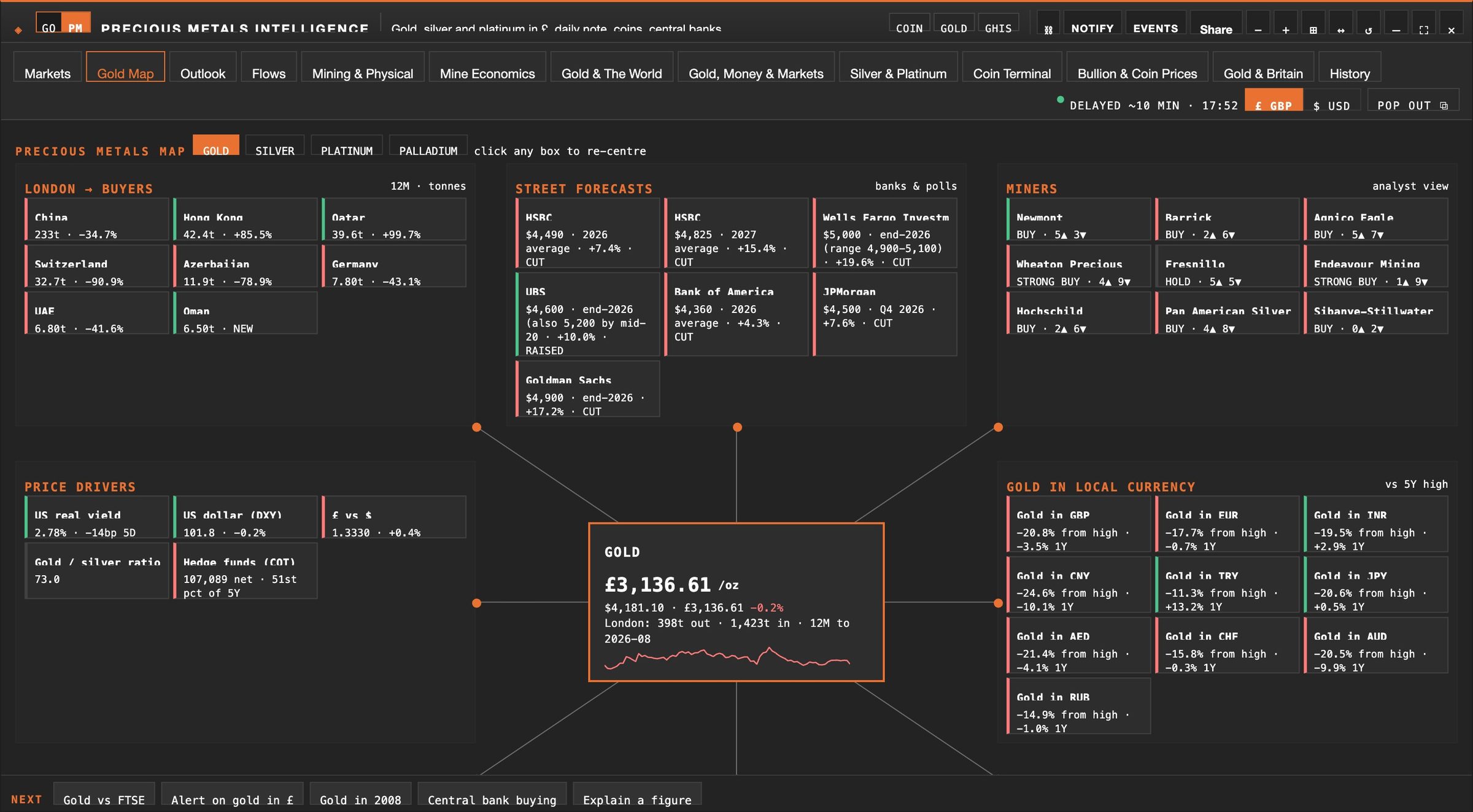
How a market fits together
Buyers, forecasts, miners and the price drivers around the live price, with any company's research one click away.
Company and market research, prepared before the meeting.
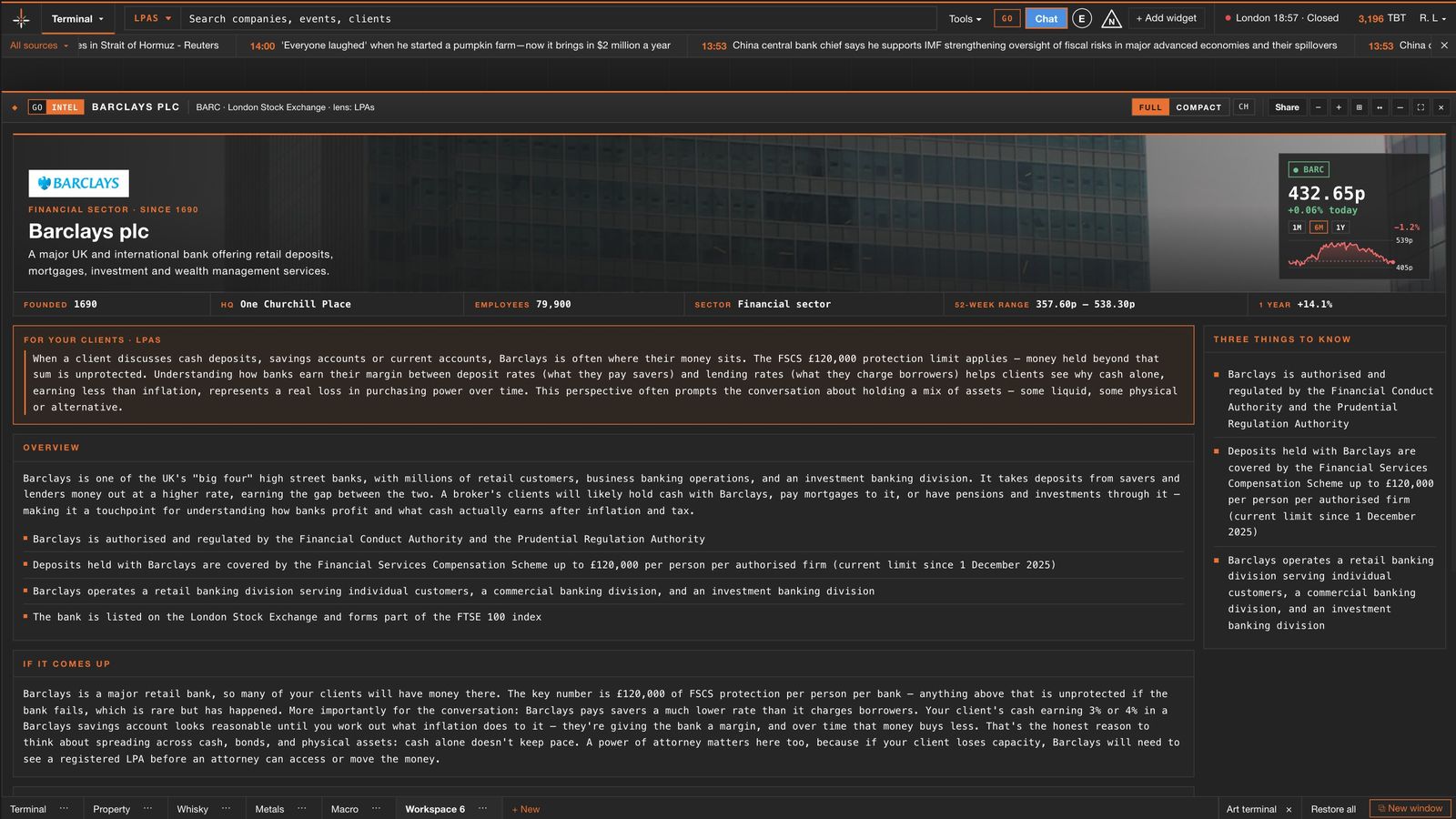
Type a company, a market event or a client's situation. Intel prepares a research note under your lens: what the company does, the key facts and why it matters to your clients.
- Company profiles with figures, recent news and their relevance to your sector.
- Meeting briefs that set out the context, the questions worth asking and the points to cover.
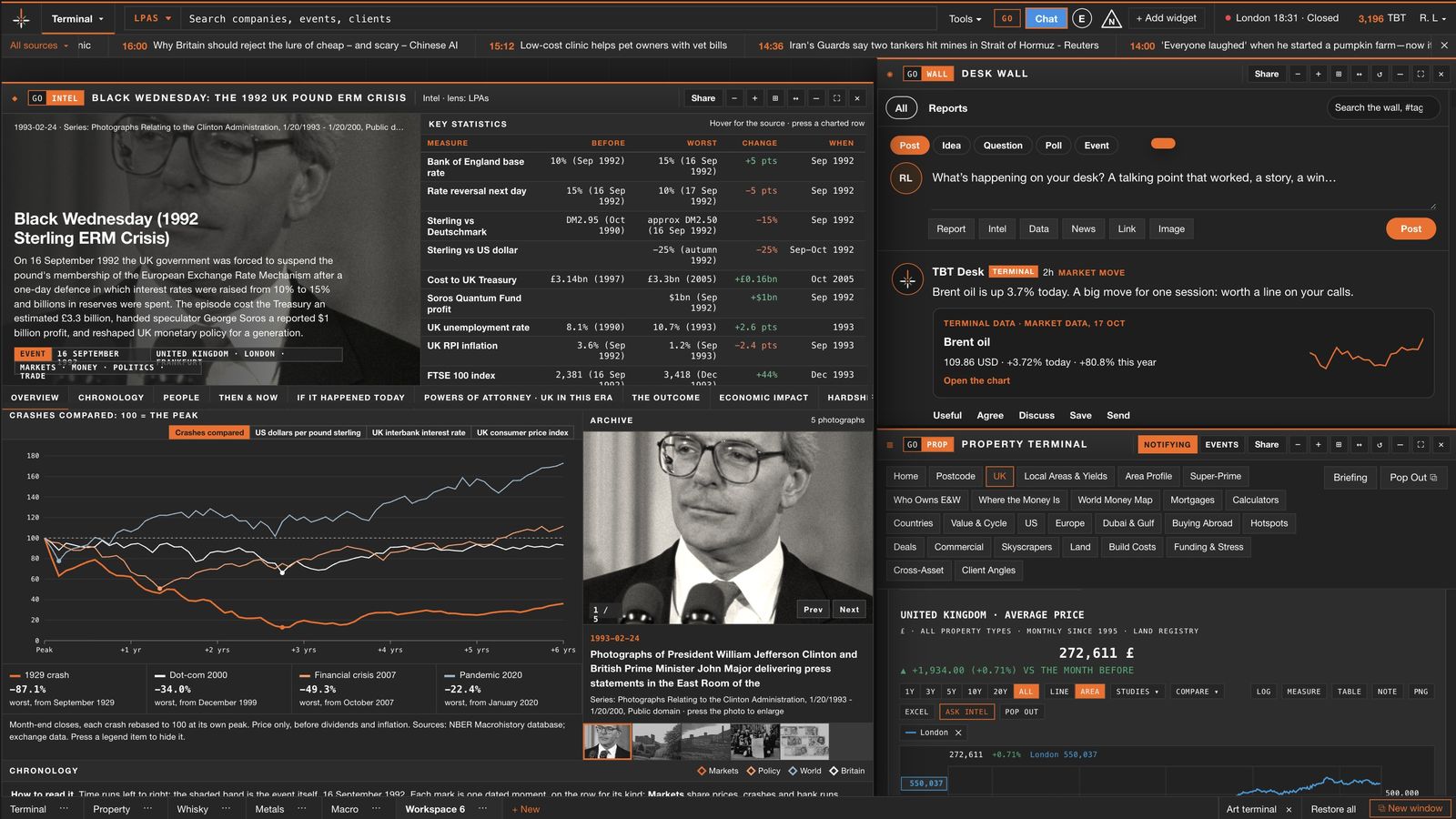
- Market events from tulip mania to 2008, with photographs, charts and the people involved.
- Ask Intel: follow-up questions answered from the figures on screen.
- Explain this: point at any figure for a plain-English explanation.
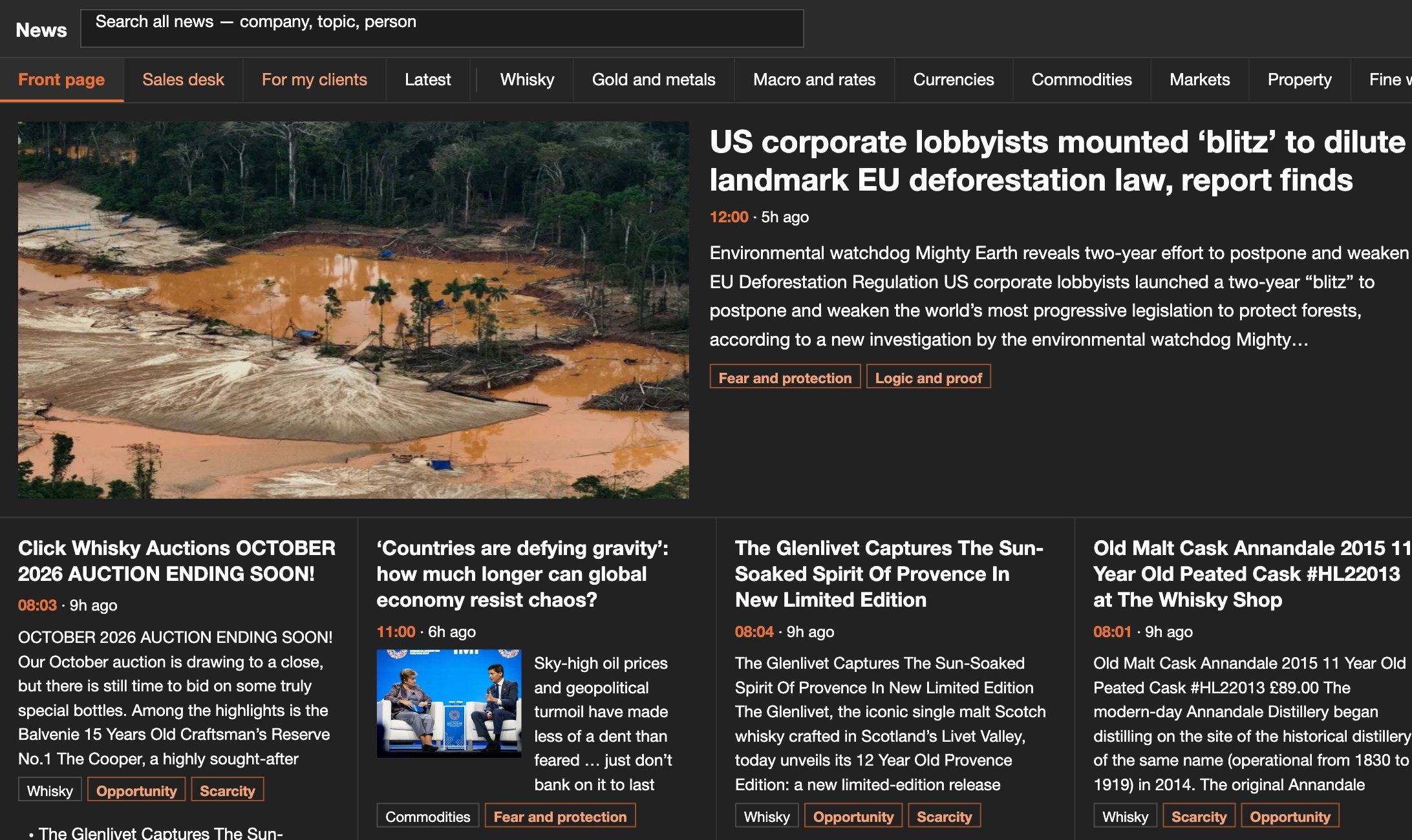
The news that matters to your clients, sorted by sector.
Headlines from across markets, sorted into the sectors you cover, with a market snapshot beside every page and talking points for the stories your clients will ask about. Open any story in its own window, send it to a colleague or, on a Corporate plan, post it to the desk wall.
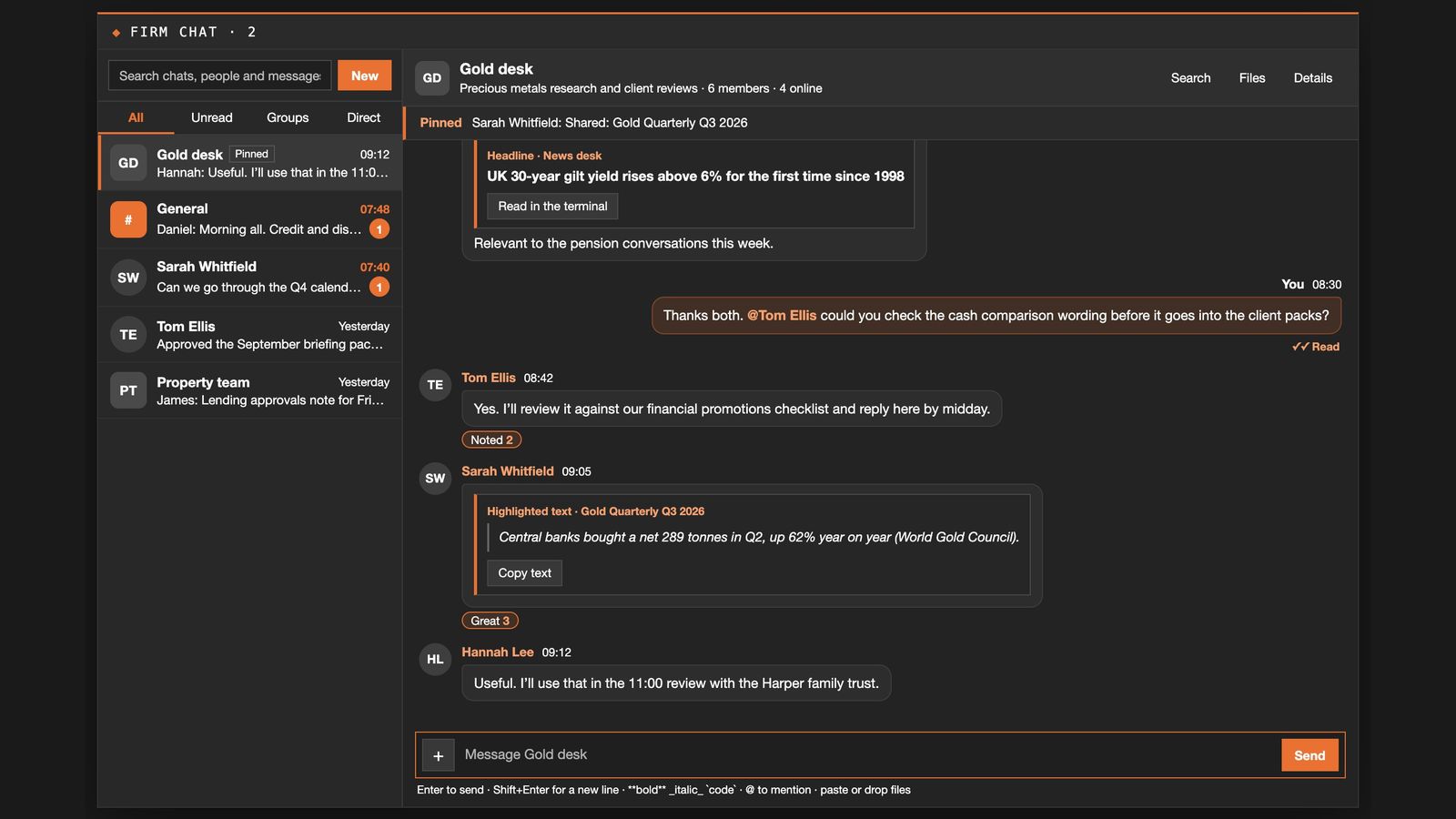
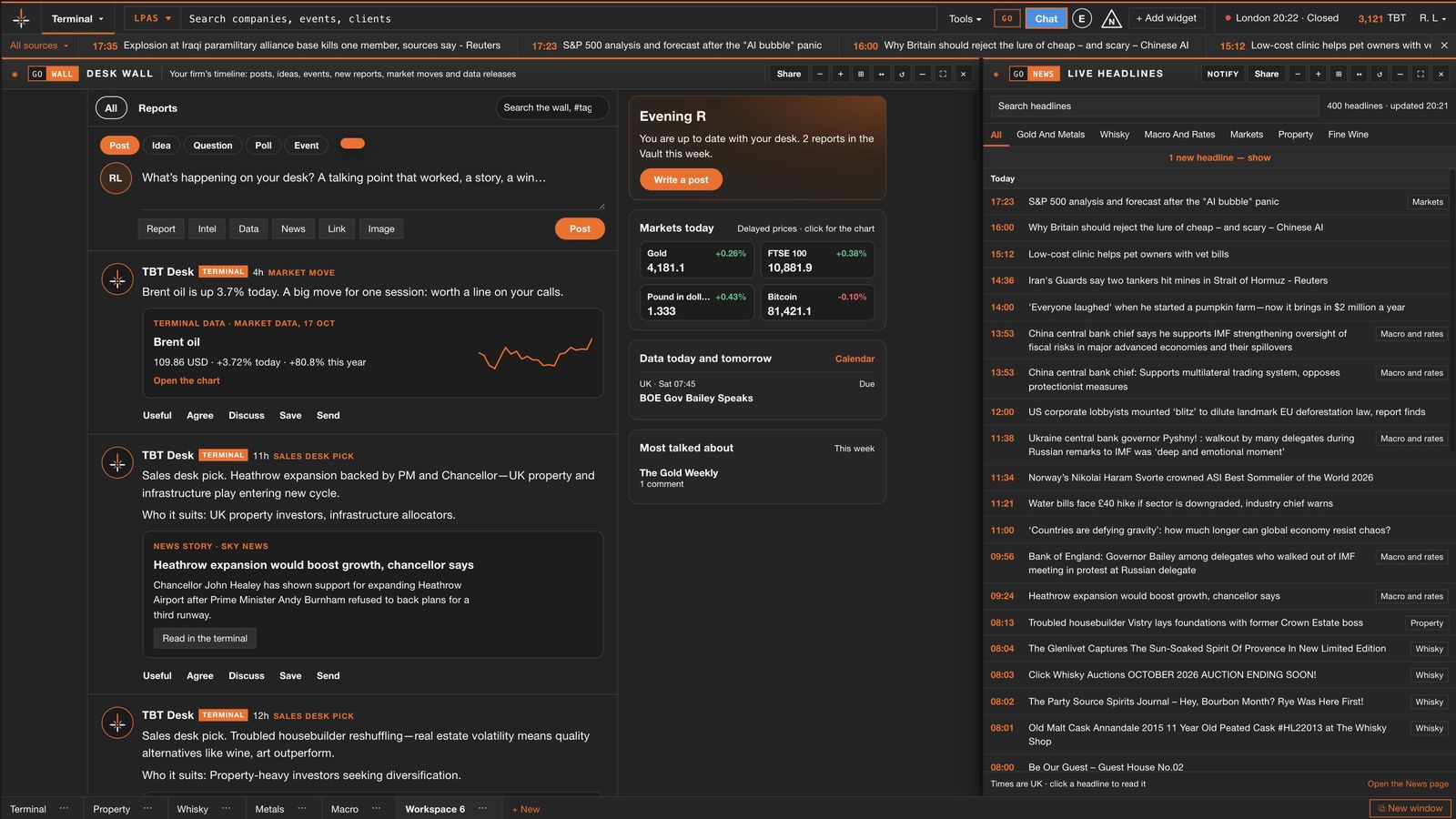
A shared desk for the whole team.
With a Corporate plan, everything your colleagues find is in one place. Post a chart, a story or a passage from a report to the desk wall, discuss it in firm chat, and keep notes and follow-ups beside your clients. Everything stays inside your firm.
Prepared for every review, with research that arrives each month.
Keep a client book with fact finds and follow-ups, turn a fact find into a clear wealth review, and receive the monthly report for your sector in the Vault, with the option to add others.
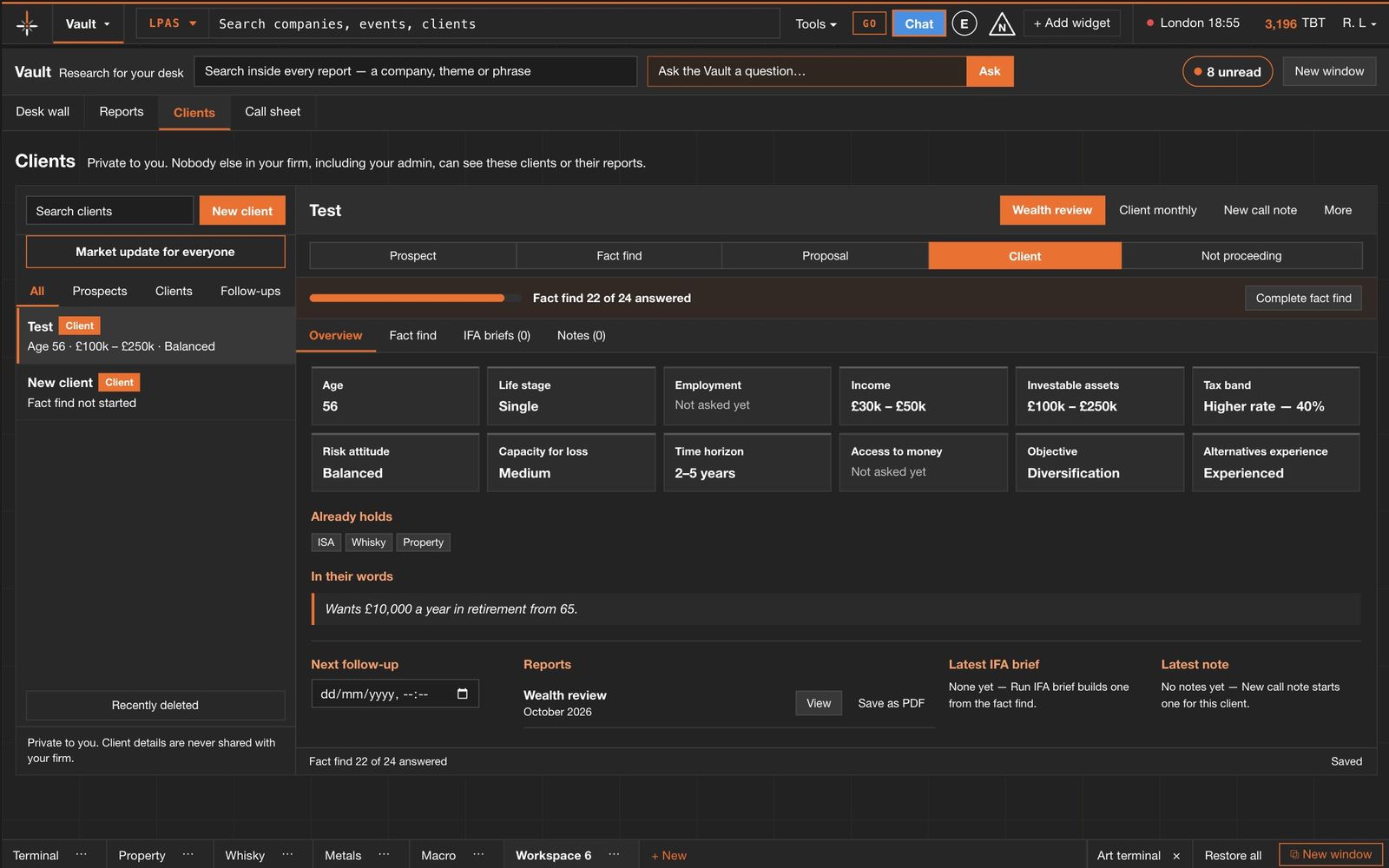
Every client, one page
Fact finds, follow-ups, notes and the research you have saved for each client, with reminders in the diary.
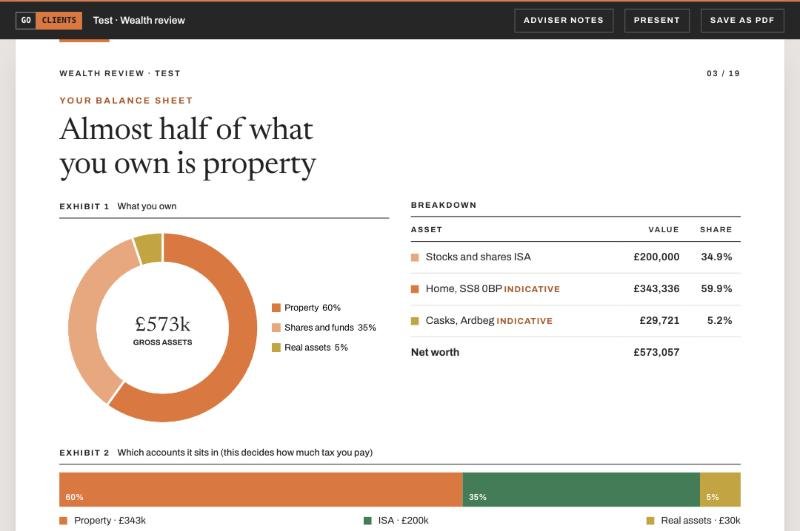
A clear report from one fact find
A private-bank style document with charts of the client's position and the market context for their review.
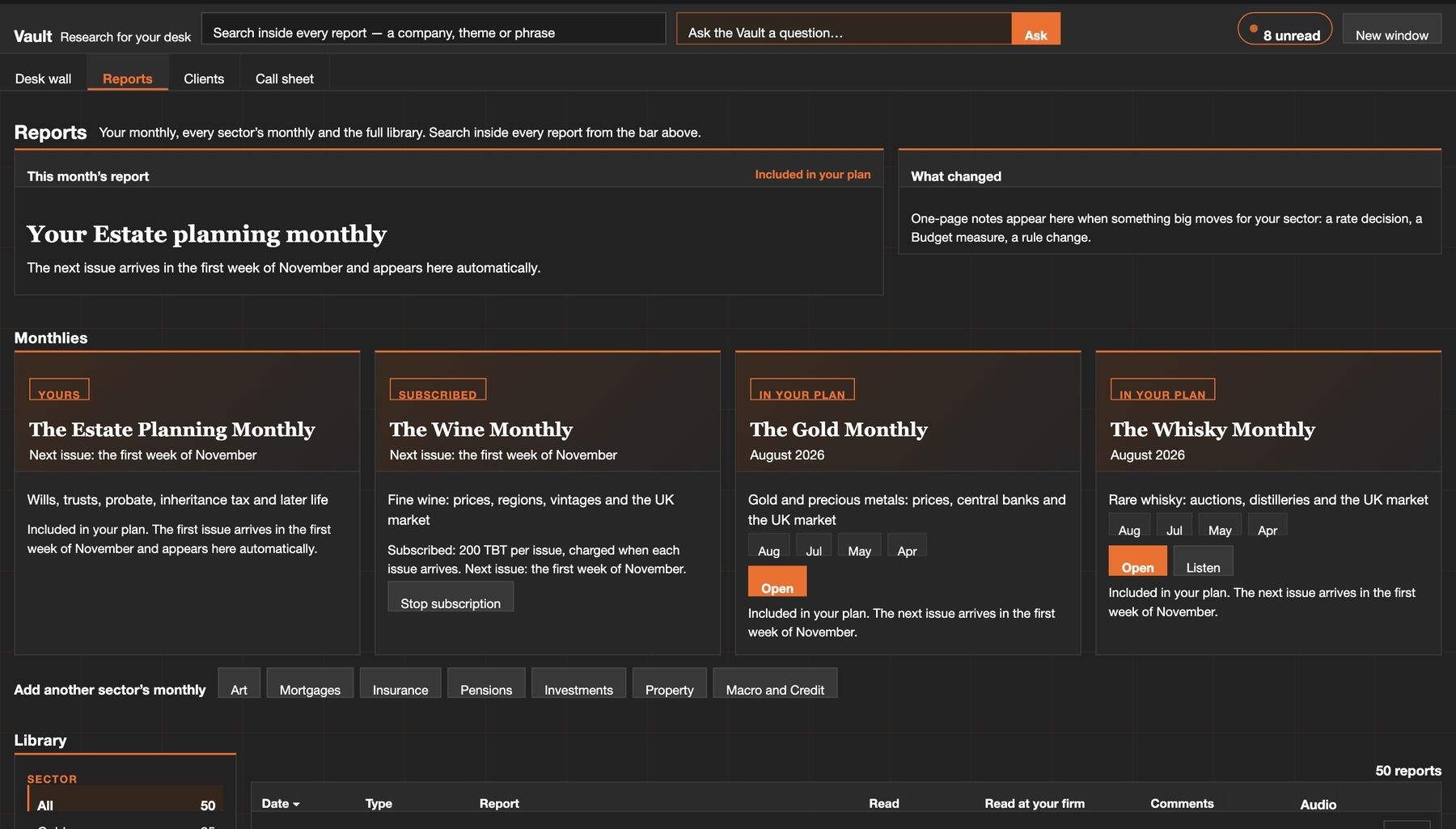
Your sector's monthly, included
Each month's report for your sector arrives in the Vault in the first week of the month, with a short brief for meetings.
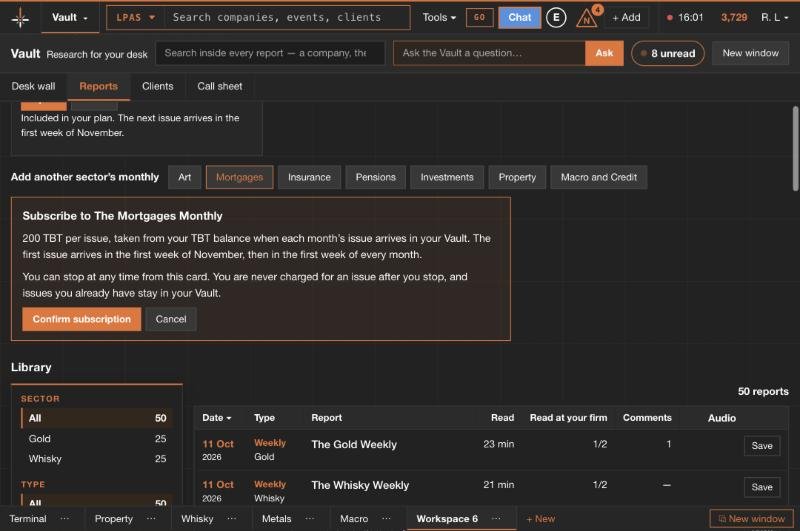
Follow another market
Add any other sector's monthly. You see when the next issue arrives and can stop at any time.
One terminal, spread across as many screens as you have.
Open the terminal, the Vault or the news desk in their own windows and move any panel to another monitor. Each screen keeps its own layout, and linked panels follow each other from one screen to the next.
Better-informed conversations, on the record.
Clients rely on the people they speak to being properly informed. We provide the intelligence: what changed, where each figure comes from and why it matters, so your team can meet that expectation in every conversation. It supports professional judgement; it does not replace it.
Every figure names its source
Statistics from official bodies and live markets, shown with their date and publisher so they can be checked and cited.
Information, not advice
Briefings describe what the data shows and who it may be relevant to, in a measured tone. Suitability remains your firm's decision.
Firm-level oversight
Administrators manage seats, features and usage, set required reading and see who has read it.
Windows that stay where you put them
Panels snap side by side, group into tabs and pop out to a second screen. Your layout is saved for every morning.
A command bar for everything
Type a GO code or a company and press Enter. Panels link, so one click updates the charts beside it.
The Vault, Intel and news on the move
A phone version for reading reports and preparing on the way to a meeting.
For individuals and whole teams.
Start with seven days free. Your card starts the trial and is not charged for seven days; cancel any time from your account.
Individual
- Every terminal and every lens
- Your sector's monthly report in the Vault
- Top up any time; purchased credits never expire
Corporate
- Everything in Individual, for 10 users
- Desk wall, firm chat and shared notes
- Administration: seats, features and credit use
- Additional seats £49 per month
Larger firm? Contact desk@thebrokersterminal.com about volume seats and onboarding. See what Corporate includes: firm chat, the desk wall, pooled credits and required reading.
Informed advisers. Better-served clients.
We provide the intelligence so your team stays informed and your clients receive the depth of insight they expect. Read the latest Gold Quarterly first if you prefer, then start the trial.