
One screen for markets, data, research and your team.
Terminals for every sector, a news desk sorted by sector, monthly research and Intel, arranged the way you work, with a shared desk for teams on a Corporate plan. Everything is sourced, dated and interpreted for the sector you cover.
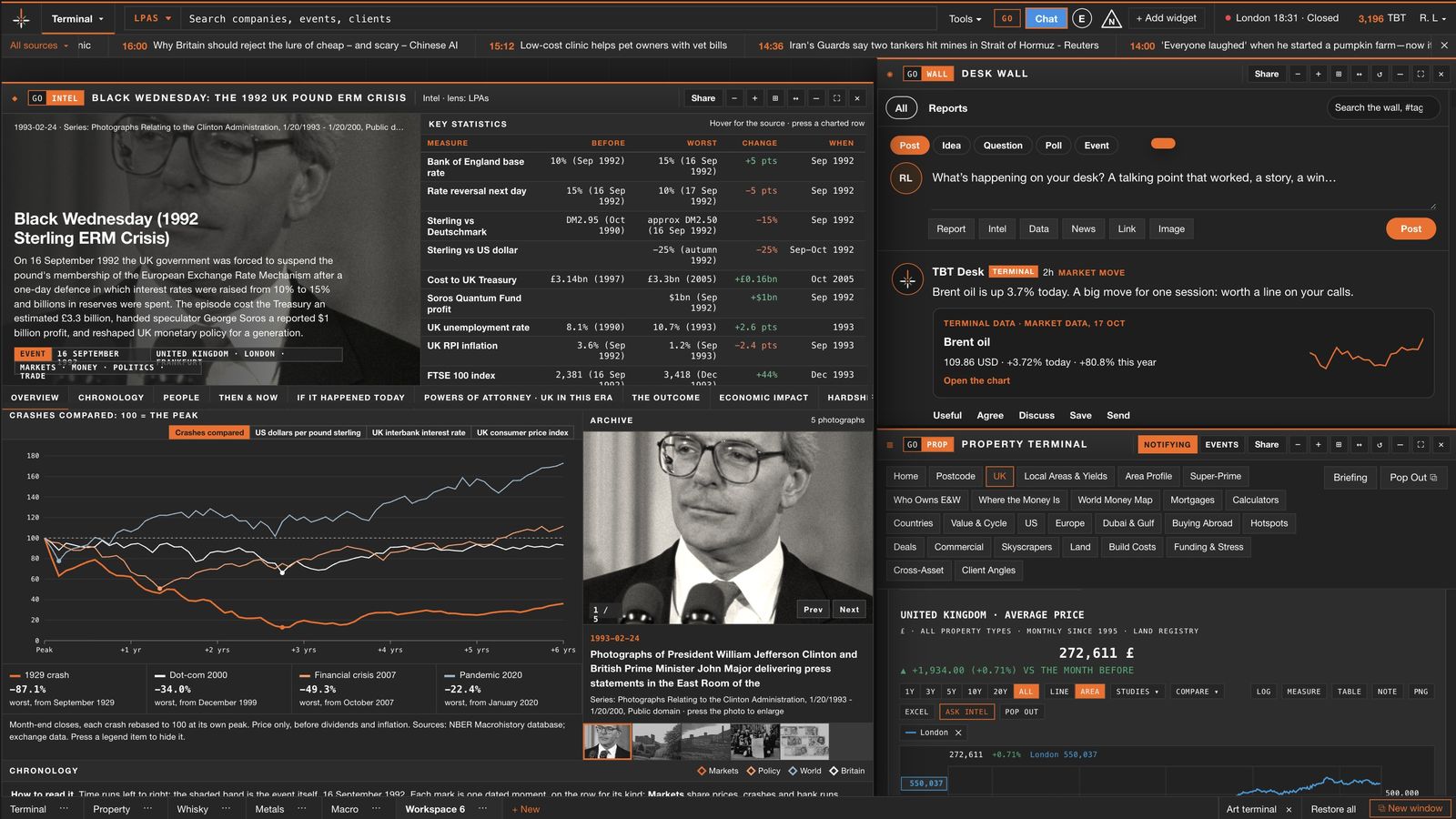
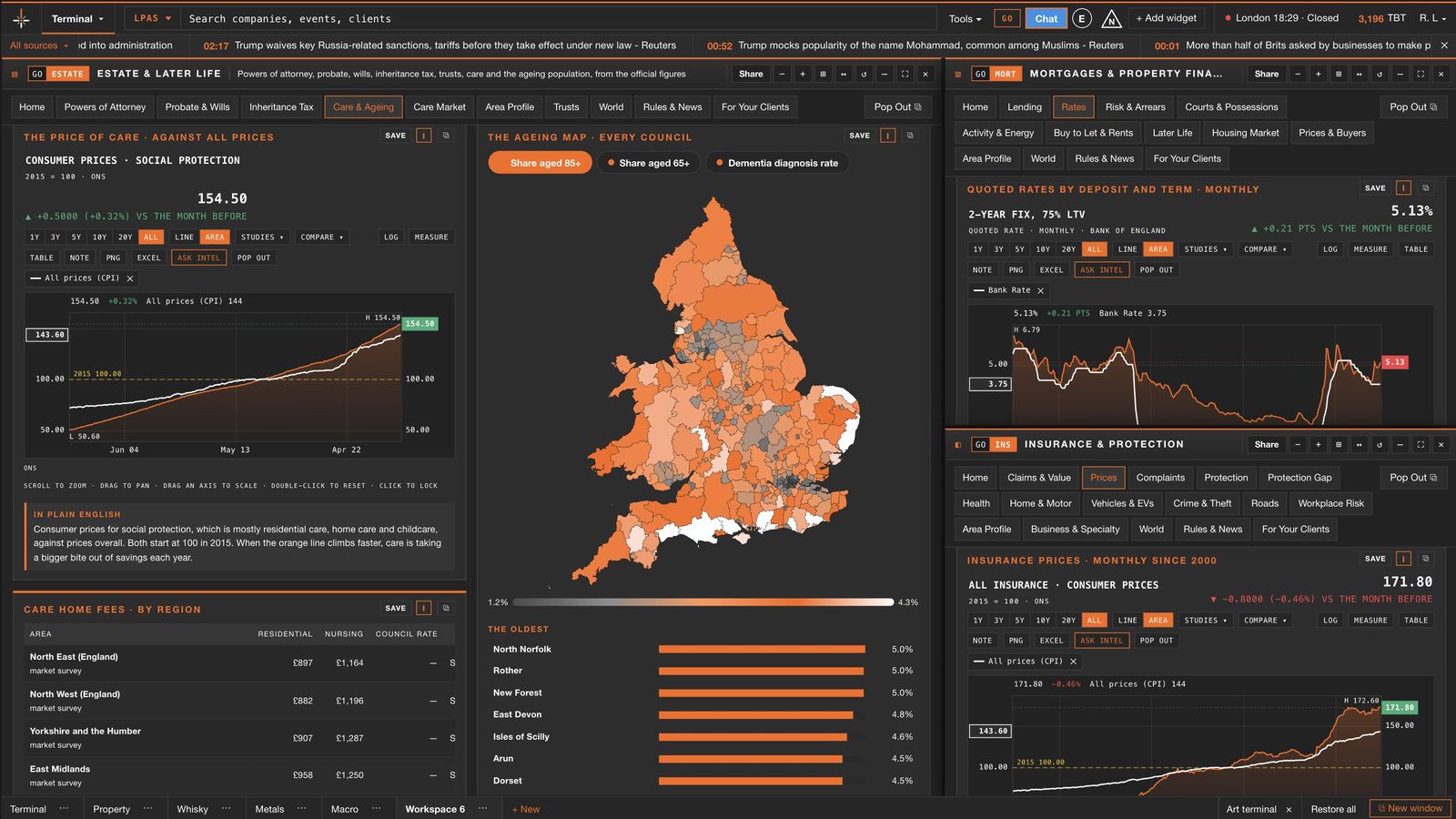
Arrange it once. It is there every morning.
Every panel moves, resizes, snaps to its neighbours and groups into tabs. The terminal remembers your layout, your text size and your lenses.
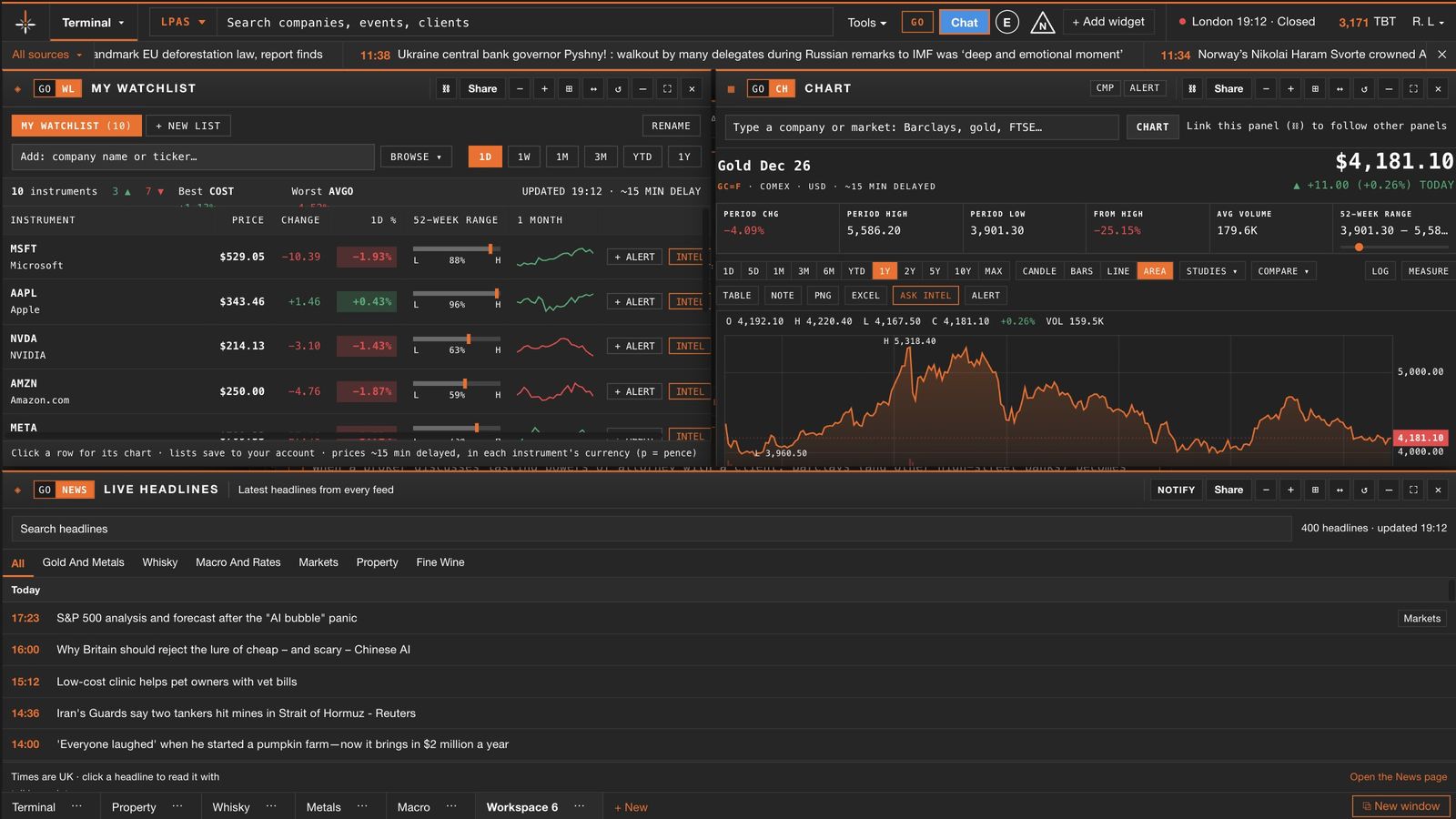
Panels snap edge to edge
Drag a panel beside another and it locks into place. Drag the shared edge to resize both at once.
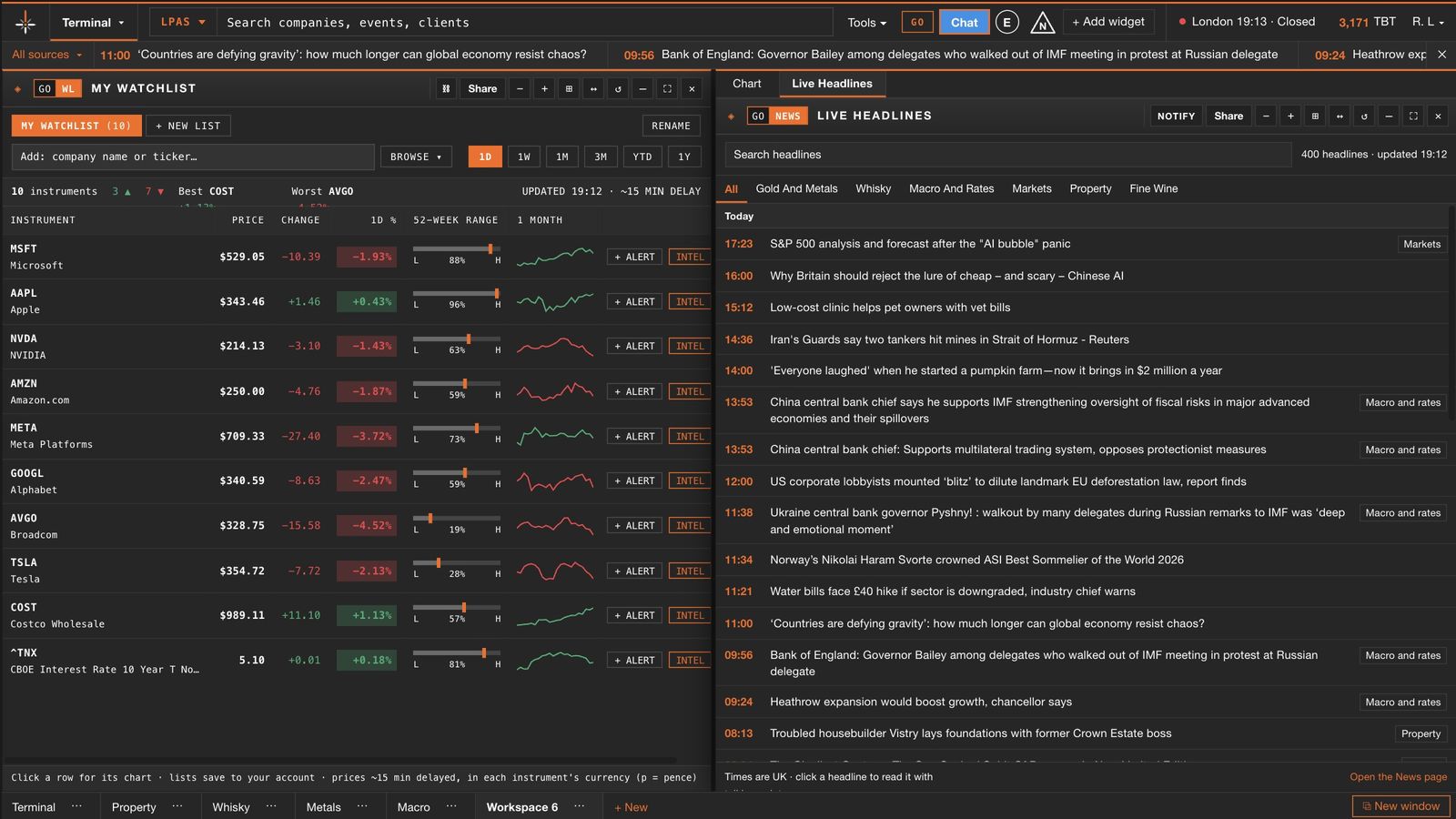
Group panels into tabs
Stack related panels in one frame and switch between them, to keep a small screen tidy.
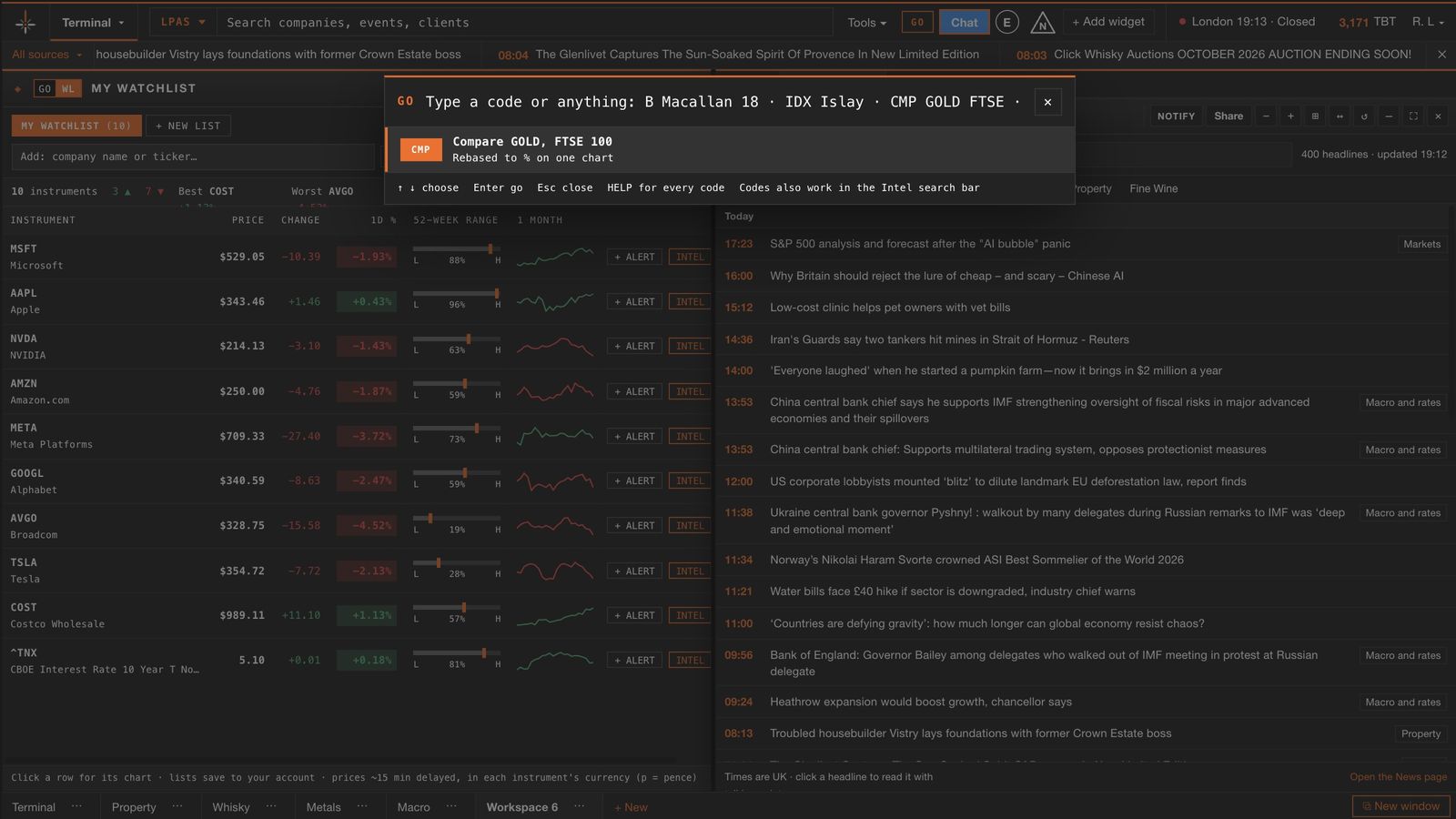
Type it, press Enter
GO codes open any terminal or panel; type a company, a market or a comparison and it opens at once.
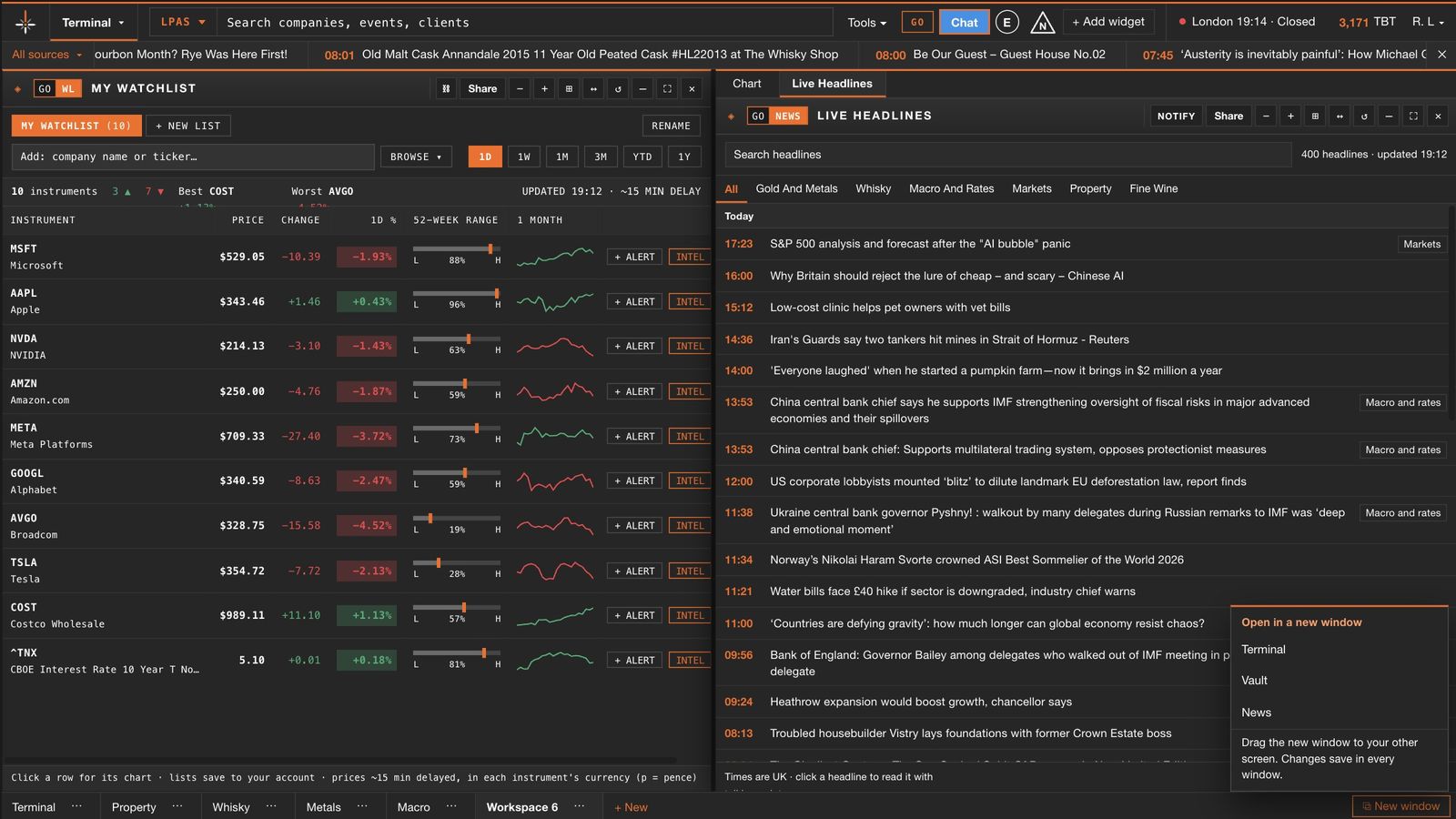
A window for each screen
Open the terminal, the Vault or the news desk in its own window and spread them across your monitors.
Move, resize and group
Drag panels into place, snap them edge to edge and stack related panels into tabs, as on an institutional desk.
Terminal, Vault and News side by side
Open the terminal, the Vault or the news desk in its own browser window and spread them across monitors.
Exactly as you left it
Your desk, open panels and text size are kept and restored the next time you open the terminal.
Any figure, charted properly
Candles, studies, comparisons, measurement and notes for prices and official series, from any number on screen.
The essentials, away from the desk
On a phone the terminal shows the Vault, Intel and the news desk, laid out for a small screen.
Send anything to a colleague
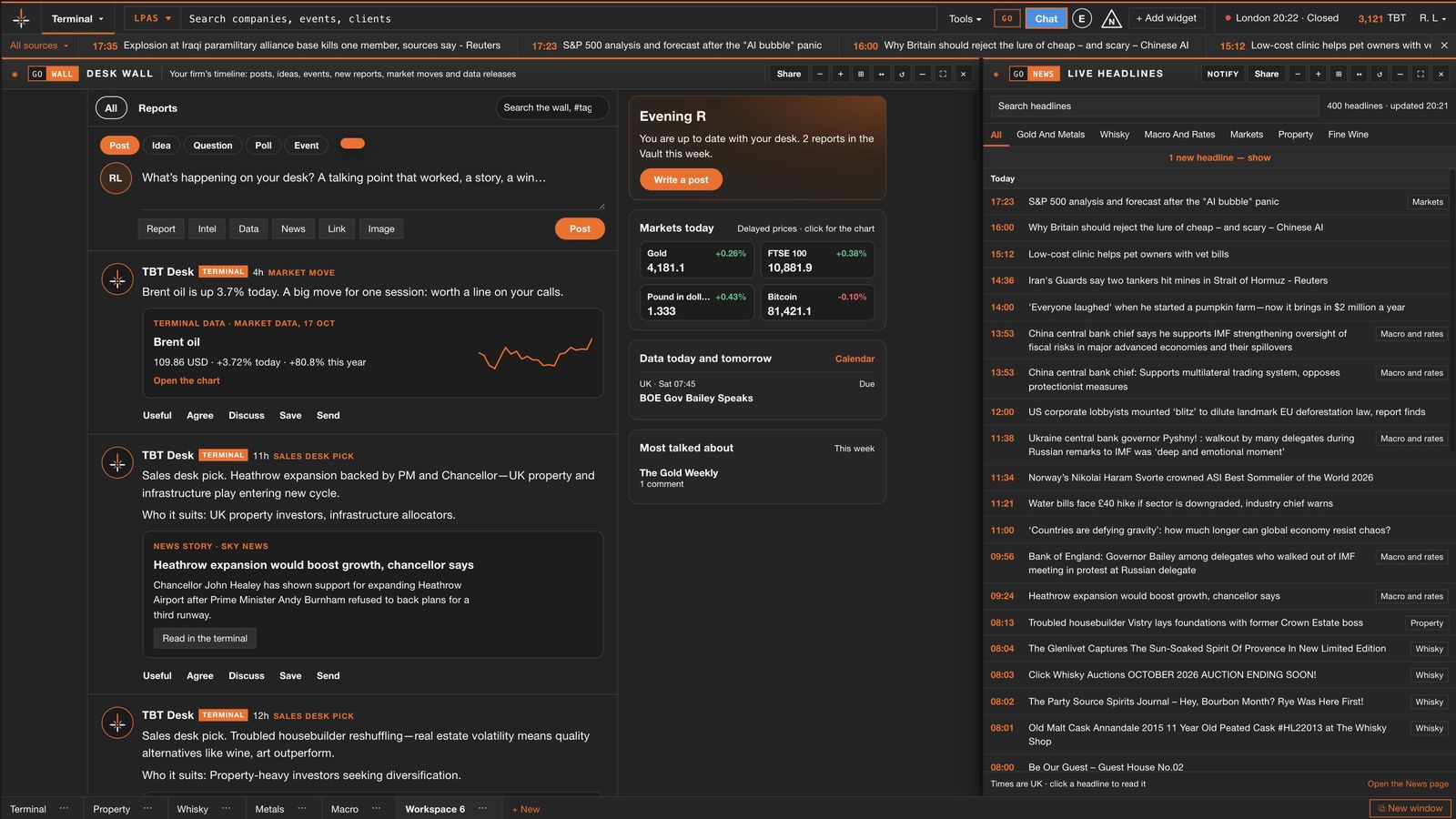
Headlines, charts, report passages and Intel results go to firm chat or the desk wall in two clicks.
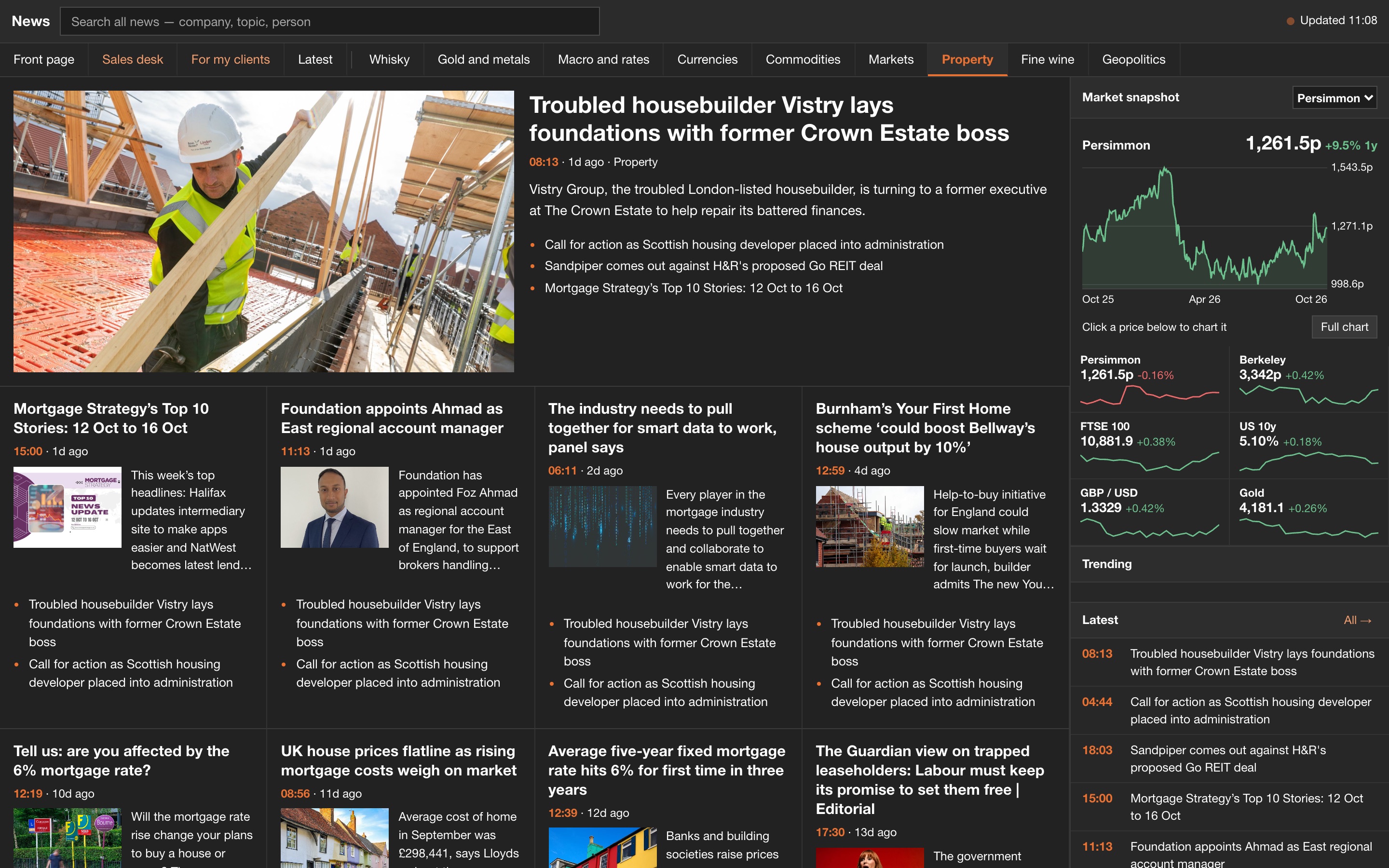
The news that matters to your clients, by sector.
Headlines from across markets, sorted into the sectors you cover, with a market snapshot beside every page. Stories open inside the terminal, never on another site.
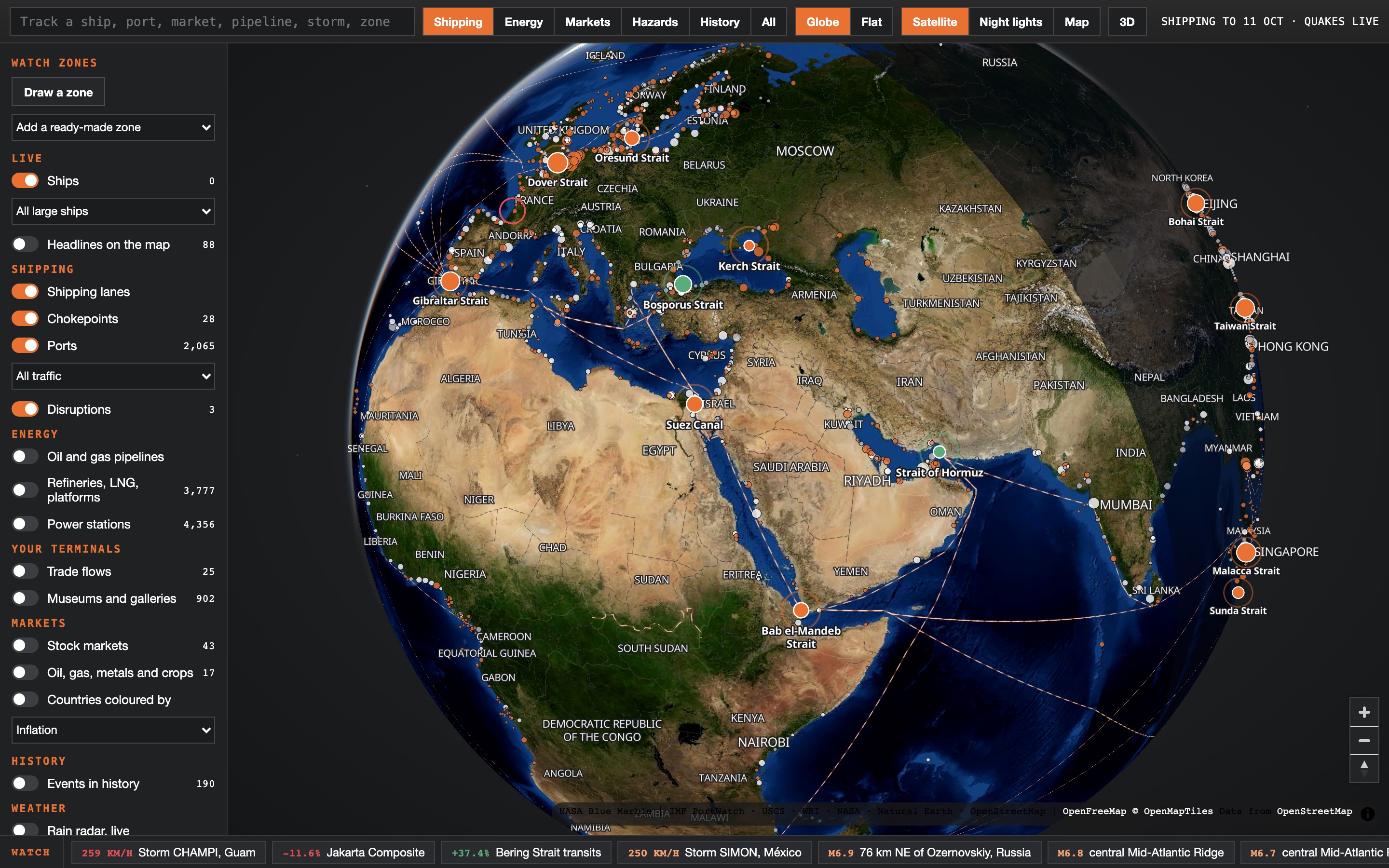
The whole world on one live globe.
Shipping lanes and the chokepoints trade passes through, pipelines and energy sites, every major stock market and commodity, storms and earthquakes, and centuries of market history in the places it happened. Click anything for its card, pin it to your watch list or draw a zone to keep an eye on.
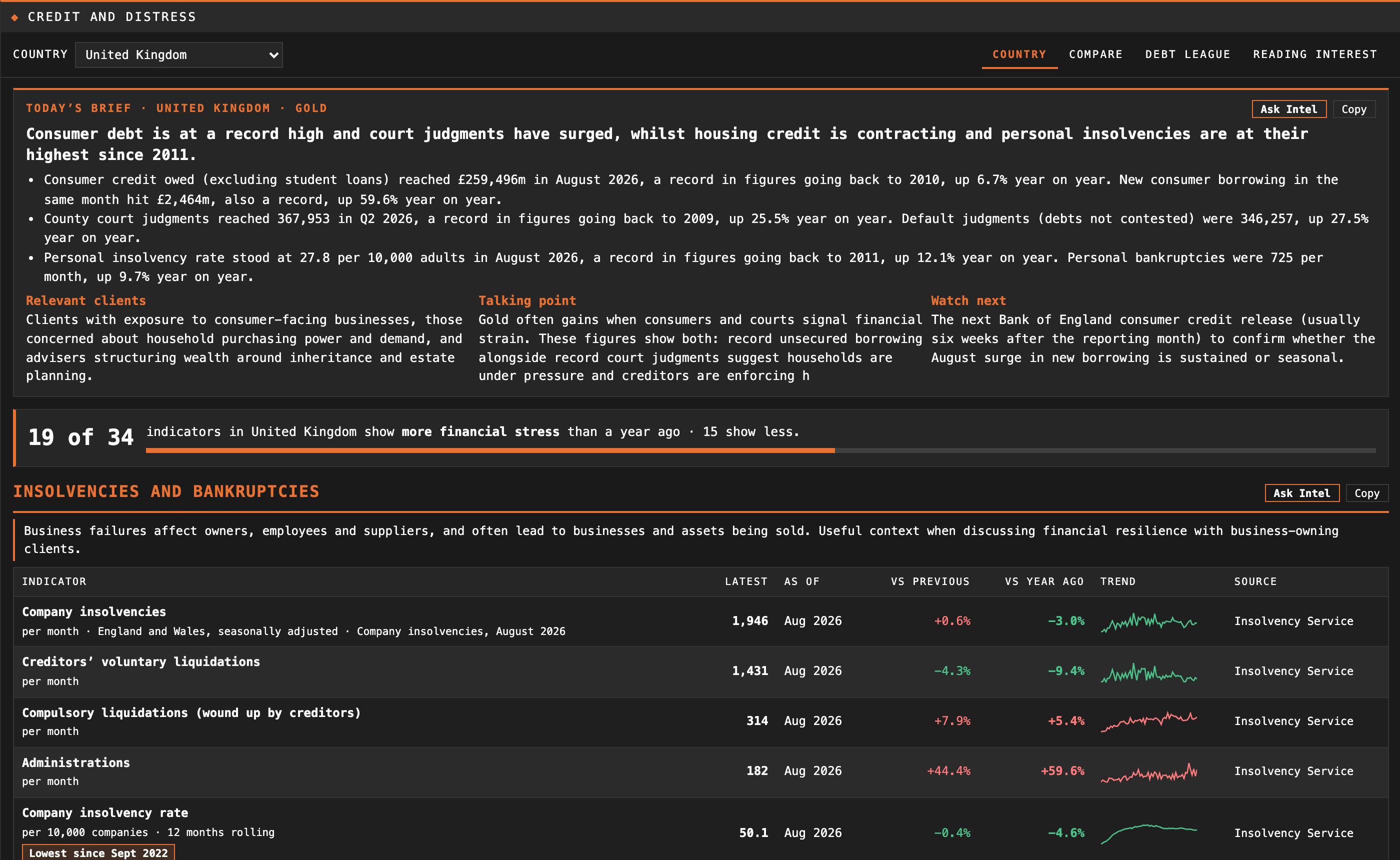
The data behind the headline, kept up to date.
Each panel draws on official bodies and live markets and refreshes itself. Open any figure as a full chart.
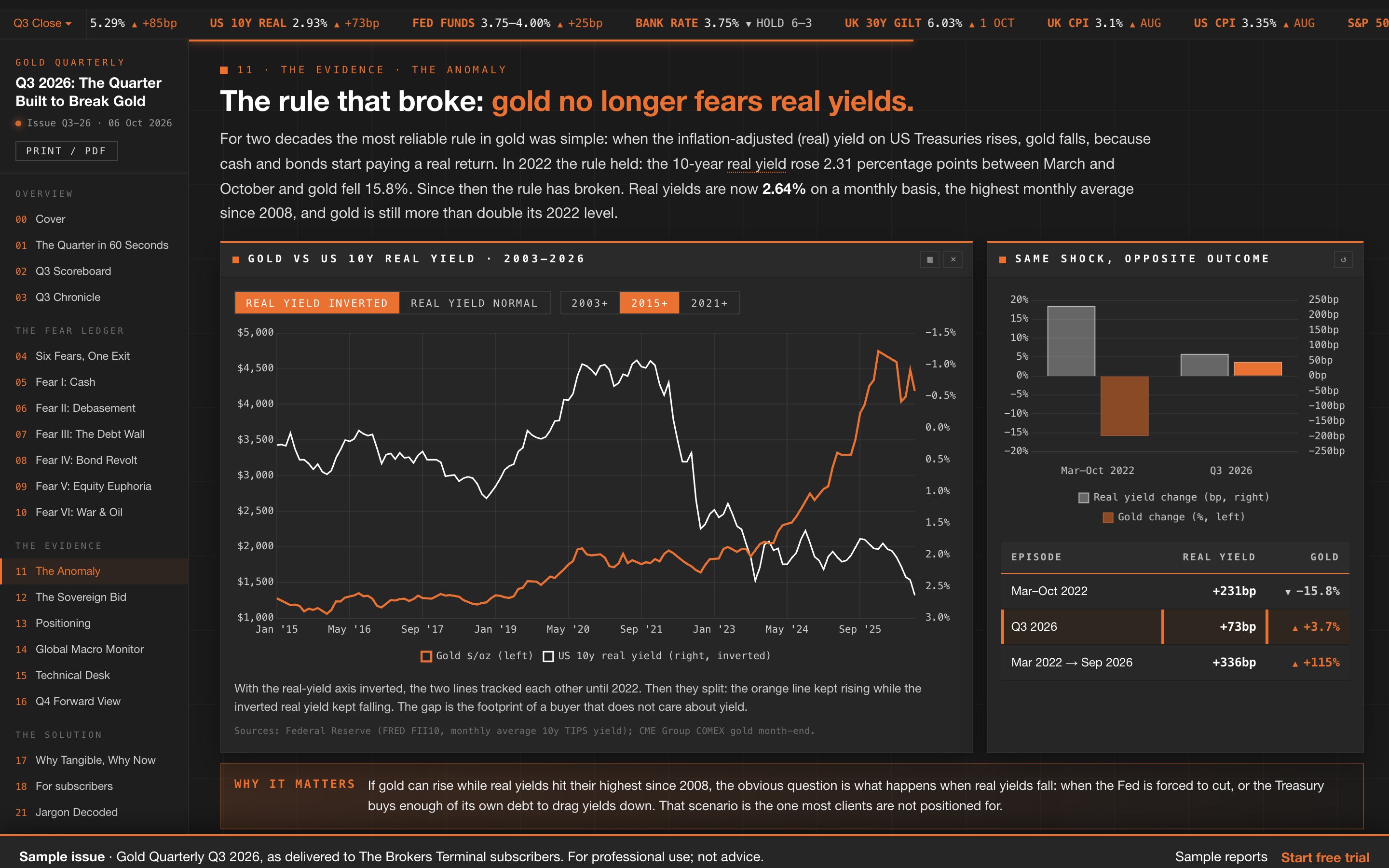
Research that is read, not filed.
A monthly report for every sector arrives in the Vault. Your own sector’s monthly is included; add any other sector from the Vault and stop at any time. It is written so the people your clients rely on understand the market before they discuss it.
- A meeting brief with every report: the key points and the client questions it answers.
- Ask the Vault: a question answered from across every report, with the report named.
- Discussion inside your firm: comment on a report or highlight a passage for colleagues.
- Interactive charts with their sources, and a print-ready version.
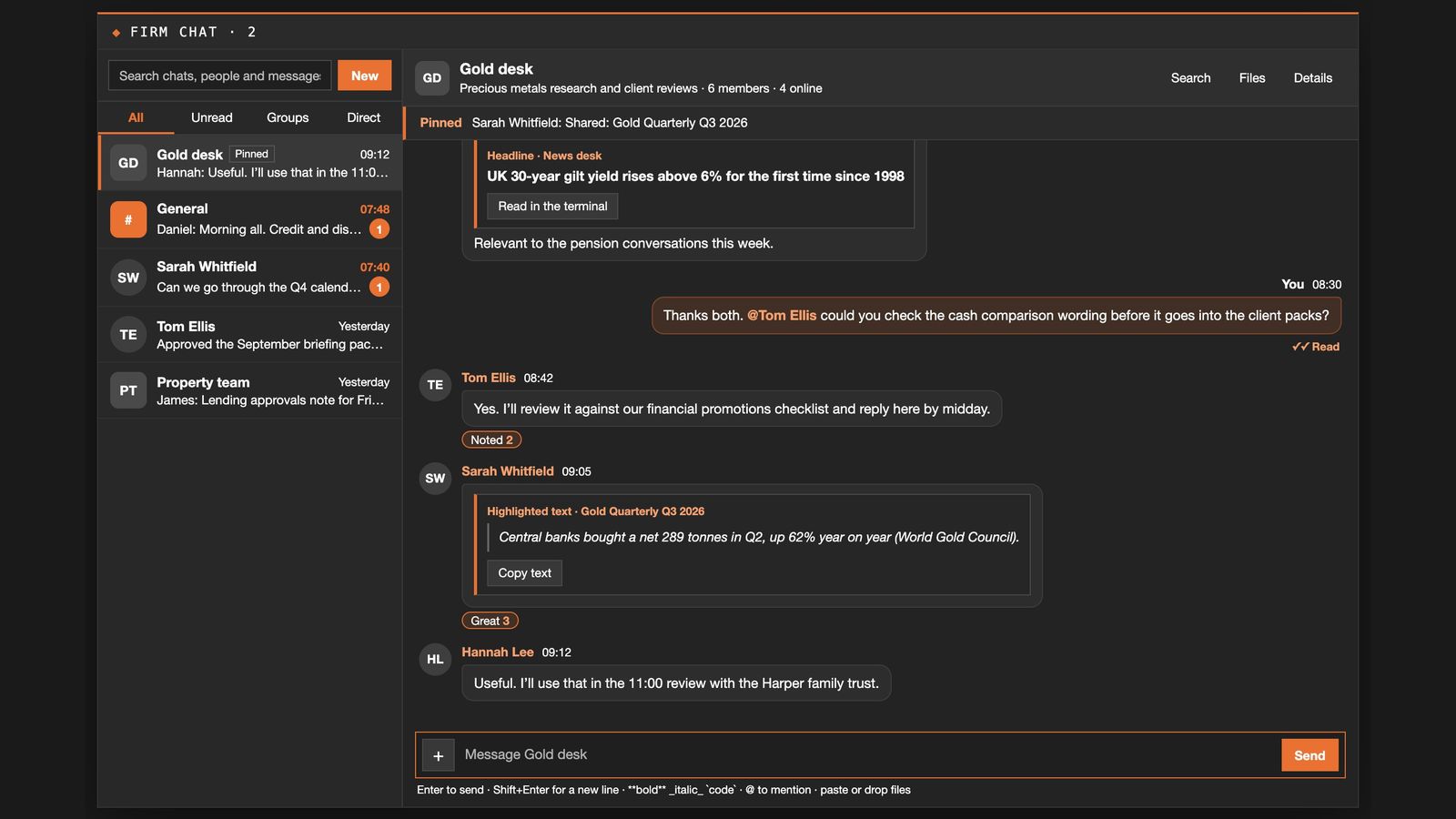
A shared desk, private to your firm.
Included with a Corporate plan, the desk wall is your firm's own timeline: post a chart, a story or a report passage with a comment and colleagues reply beneath it. Firm chat has rooms and direct messages, and notifications tell you what is new without leaving the screen.
Every figure names its source.
Statistics are shown with their publisher and date, so they can be checked and cited in a client file.
- Bank of England
- Bank Rate, lending, mortgage approvals and consumer credit
- Office for National Statistics
- Inflation, earnings, house prices, rents and GDP
- HM Revenue and Customs
- Trade statistics, inheritance tax and other tax receipts
- Insolvency Service
- Company and personal insolvencies, by industry
- Ministry of Justice
- County court judgments, possession claims and probate
- Federal Reserve
- US rates, money supply and real yields
- Eurostat
- European trade and economic data
- OECD
- International rates and indicators
- International Monetary Fund
- Growth forecasts and official reserves
- World Bank
- Commodity prices and development data
- Bank for International Settlements
- Credit to households and companies, by country
- Financial Conduct Authority
- Mortgage lending, retirement income, insurance value measures and complaints
- HM Land Registry
- Prices paid and property ownership
- Department for Work and Pensions
- Workplace saving, benefits and the State Pension
- Exchanges
- Live prices for shares, indices, currencies and commodities
Informed advisers. Better-served clients.
We provide the intelligence so your team stays informed and your clients receive the depth of insight they expect. Seven days free; cancel any time.